Resources
See what happened after the Claude Design hype, its real limitations, best use cases, AI slop issues, and why Figma still matters.
Author

Tarik Eamin
Publish Date :
Read Time :
8 Minutes


Resources
See what happened after the Claude Design hype, its real limitations, best use cases, AI slop issues, and why Figma still matters.
Author
Tarik Eamin
Publish Date :
Read Time :
8 Minutes
Key Takeaways
Claude Design is powerful for rapid concepts, prototypes, presentations, and early stage digital experiences only.
Users report usage limits, difficult revisions, generic AI visuals, and design system inconsistencies.
AI generated interfaces often require design cleanup, code refactoring, accessibility checks, and performance testing.
Figma remains essential for precise editing, collaboration, reusable components, and long term design governance.
The design and development industry saw huge reaction from people when Anthropic launched Claude Design on April, 2026. News started spreading rapidly that Figma is dead, as Claude Design is a huge challenge to Figma for digital experiences designing.
Creators of YouTube massively demonstrated how to build animated websites in minutes with Claude Design. Experts and observers predicted in social media that this is the end of the traditional design tools and designers. But things changed within a short time of two months only, the Claude Design vs Figma picture got balanced.
People understood that Claude Design can convert a brief into a convincing prototype very quickly. But it comes with usage limits, repetitive visual patterns, difficult revisions, design system gaps, AI slop and weak connections to production workflows. Now people know that Claude Design is not an alternative for professional product design tools and designers.
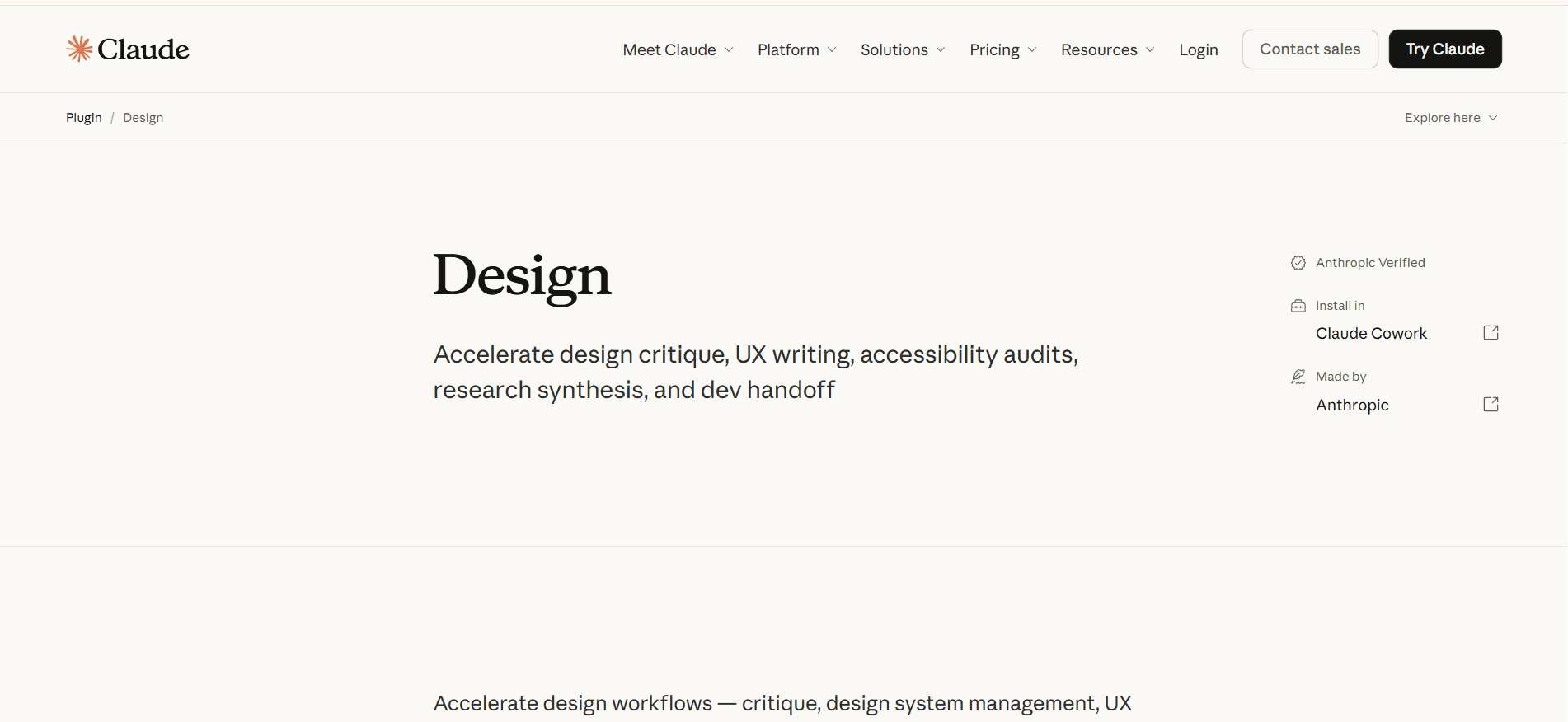
Through Claude Design of Anthropic, you can create interface concepts, interactive prototypes, presentations, landing pages, design systems, apps and much more. It's not a basic image generator thing, rather it can produce clickable, code based experiences, passing project context to Claude Code.
You chat for working in the visual canvas, provide brief, supporting materials such as screenshots, brand guidelines, or more references, then Claude creates a design. Moreover, you can request changes, give inline comments, share your project, or export in HTML, PDF, PPTX, ZIP, Canva and Claude Code.
But Anthropic says that disappearing comments, compact view save errors, browser problems with large repositories, and occasional chat errors are some of its limitations.
Claude Design launched when the creative industry was already debating and discussing if AI would replace the designers or not. Where traditional production needed weeks or months, suddenly something came that produces digital experiences within minutes just from a short conversation or a professional prompt.
Demonstration videos in YouTube showed a five page animated website making in about ten minutes by Claude, no Figma and designer was needed. But these types of videos did not show the complete representation of a product design through Claude Design or Claude Code.
These types of Claude Design review videos does not truly show conflicting usability findings, accessibility reviews, responsiveness issues, AI slops, or months of fixing or maintenance needed. The hype of quickly generating a professional digital experience neglected that. can they even directly publish them or not, and this created an incomplete buzz.
Claude Design launched, it created a huge hype all around the world, people jumped into it, used it properly and with time found issues.
Yes, Claude Design can make you a polished looking digital experience very fast. but the output needs a separate cleanup stage. You need to remove the AI slop, means the common visual decisions, less functional code lacking consistency, accessibility and maintainability for production.
For design side, the cleanup involves replacing repetitive card layouts, predictable gradients, generic typography, weak visual hierarchy, inconsistent spacing, and decorative animations. Sometimes, even if you give proper brand guidelines, references designs, or design systems it will generate AI slops.
And for the coding part, you may require to do refactoring. You should check for duplicated components, unclear naming, weak semantic HTML, broken mobile layouts, missing application states, and accessibility, security, or performance issues, etc.
So, the prototype which took ten minutes to build, may need weeks of human involvement and professional work before launching to the audience. Claude Design can make you the initial creation but you have to review design, audit code, test and do quality assurance carefully.
The paid plans of Claude Design includes recurring weekly high levels of token allowances. Users report exhausting token usage during iterative work varying by projects coming with failed generations.
You will find the first screen looking very impressive but making small changes is frustrating. Users say that changing one element without disturbing another element is very difficult. Then maintaining decisions across the designs, and saving earlier improvements through repeated prompts is problematic.
So, Figma is ultimately the better option when it comes to adjusting spacing, reordering content, comparing variants or simply editing directly.
If you don't start working without a proper design system, Claude Design will produce functional yet a very generic output. It usually brings out common rounded cards, safe SaaS layouts, common color palettes, so you must provide references, brand rules, component patterns, content hierarchy, and negative constraints.
You need to deeply review generated digital experiences for accessibility, responsive behaviour, edge cases, loading and error states, performance, security, content quality, and maintainable code. Claude Design will accelerate your creation, but it doesn't remove the need for your design and engineering judgment.
Claude Design is not best for large multi screen products, mature enterprise design systems, accessibility sensitive things, brand critical interfaces or projects needing precise revisions. But it works well for:
Rapid product and layout exploration
Clickable prototypes for stakeholder discussions
Founder and product manager mockups
Landing page and campaign concepts
First draft presentations and one pagers
Client demonstrations during discovery
Temporary internal tools and disposable prototypes
For long term digital experiences, Claude Design or Claude Code is not a very good option.
No, you can not export Claude Design work directly to Figma, but it supports ZIP, PDF, PPTX, HTML, Canva, and Claude Code handoffs.
For reducing your Claude Design usage, plan your content and requirements before generating, provide references. And also start with one core screen, then request edits instead of repeatedly regenerating your entire project.
No, Claude Design does not generate production ready codes, that's why treat the output like a prototype or starting point. Review the semantic HTML, component reuse, responsiveness, accessibility, application states, performance, security, dependencies, and maintainability.
The hype of Claude Design cooled down within two months because the market understood that rapid generation is not the complete design process. It is useful for moving an idea to an interactive starting point within a short time, but not a perfect professional design. You highly require judgment, research, detailed control, collaboration, reusable systems or sustainable maintenance.
Upgrade to Grabui
Discover unlimited inspiration to help you Design fast. Build faster.


Share On


