Framer
Compare Framer vs Squarespace for AI tools, templates, SEO, CMS, ecommerce, pricing, and ease of use to choose the right platform.
Author

Tarik Eamin
Publish Date :
Read Time :
8 Minutes


Framer
Compare Framer vs Squarespace for AI tools, templates, SEO, CMS, ecommerce, pricing, and ease of use to choose the right platform.
Author
Tarik Eamin
Publish Date :
Read Time :
8 Minutes
Key Takeaways
Framer and Squarespace both offer AI website builders, templates, CMS tools, hosting, and essential SEO features.
Framer is better for custom design, advanced interactions, responsive control, and frequent marketing updates.
Squarespace is stronger for ecommerce, memberships, invoices, customer accounts, and owner-managed business websites.
Framer 3.0 improves collaboration through Agents, branching, staging, and content-focused editing roles.
Neither platform guarantees better SEO; content quality, authority, performance, and implementation matter more.
Along with major updates in the tech world, Framer and Squarespace also changed its workflow. Both the platforms works with AI assisted website creation, comes with professional templates, managed hosting, advanced CMS, visual editing, and SEO settings.
If you pick Framer, you just can start either with the Agent, marketplace template or simply a blank canvas. And if you go for Squarespace, you can start with Blueprint AI, template or the 7.1 version. The difference comes after you create the first draft, and that's where the main workflow lies.
Keep on reading to know, which one you need according to your business needs and requirements, Framer or Squarespace in 2026.
Factors | Framer | Squarespace |
Website Purpose | Mainly for a marketing, portfolio, SaaS and brand experience. | Manages business transactions and services very well. |
Starting Point | Pick Framer, if you want AI or templates followed by deep customization. | Pick Squarespace, if you want AI or templates followed by guided editing. |
Design | Custom layouts, motion, and responsive behavior matter. | Visual consistency and easier maintenance matter. |
Team | Designers, marketers, developers will manage the website. | An owner, non tech person or small non design team will manage it. |
Content | You need custom CMS structures and presentation. | You need a conventional blog, portfolio, or business site. |
Commerce | Framer is not good for ecommerce business. | Squarespace is better for ecommerce businesses and have native selling and customer tools. |
Best Fit | SaaS, startups, agencies, campaigns, design portfolios. | Services, local businesses, creators, memberships, small stores. |
The digital industry is witnessing major updates in every tools and builders in this era of AI. And based in that, Framer and Squarespace also came up with huge updates changing the workflow of the platforms.
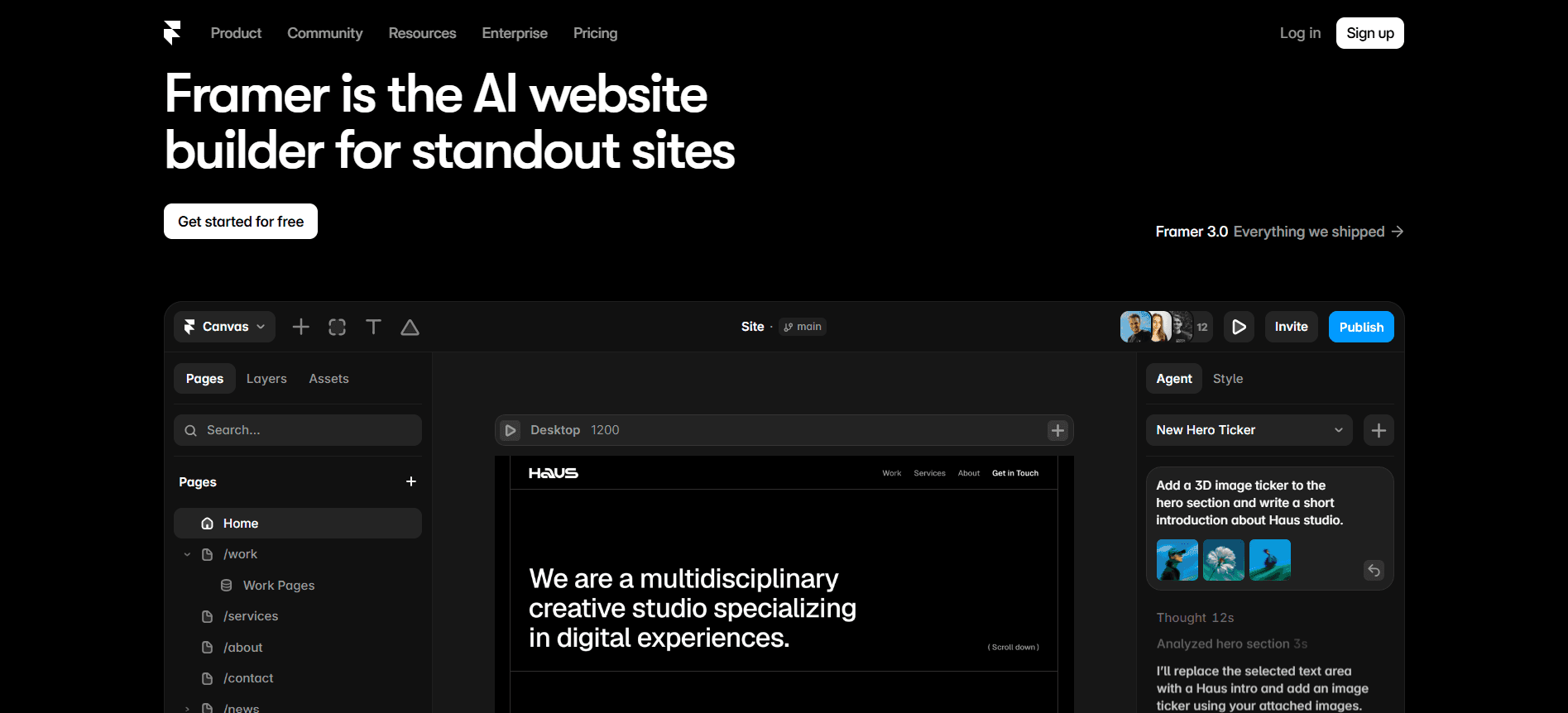
In Framer, you can start your project in different ways based on your requirements, needs and wants. You can start with just a blank canvas, a free or paid template in the Framer marketplace or through the canvas native AI Agents.
The templates you get in Framer marketplace are complete projects, not just static themes. After you copy a template into the workspace, you can modify the layout, typography, components, content, CMS collections, and interactions, etc. As the marketplace is community driven, so the after sale support you get depends partly on the creator who made the template. When you buy a paid template, the transactions and refund takes place between you and the creator, not through Framer.

In Squarespace, you can design and build a website through Blueprint AI builder and designer made templates, which you can edit manually. When you pick a template here, you get initial design direction, and you need to restructure it using the Squarespace 7.1 version. Squarespace gives you less experimental options, but predication integration with blog, products, payment and other features.
You need to understand that Framer will give you a starting design then you can deep customize it as your need. But Squarespace is very controlled, from design to a completed and manageable business website, it gives you less customization options.
Both Framer and Squarespace are highly AI powered website builders, coming with different systems and purposes.
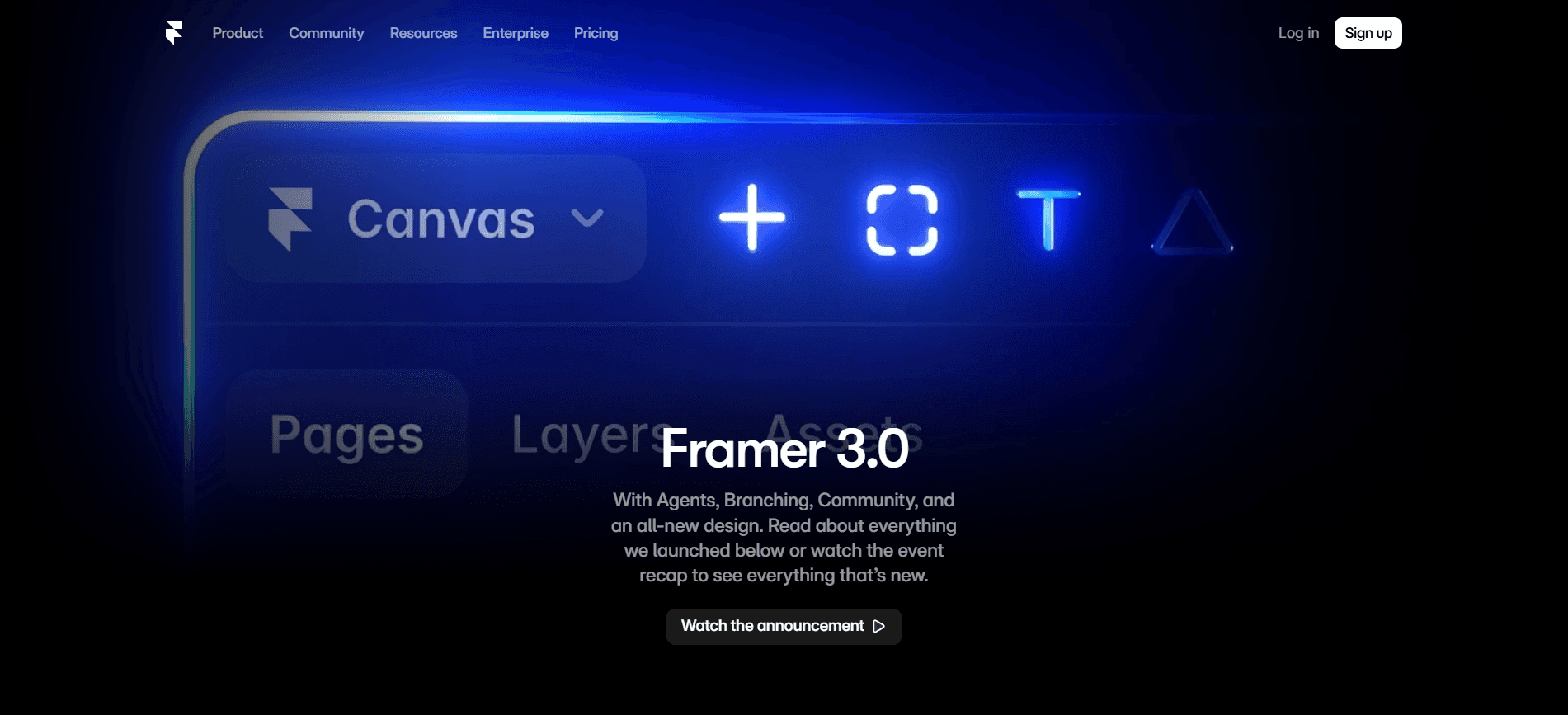
Launched in June, 2026, Framer 3.0 features AI Agents that works directly in the same canvas, components, CMS, SEO settings being used by human. These Framer Agents can design you
complete pages,
review existing work,
create breakpoints,
add effects,
make components,
write code,
connect layouts to the CMS,
organize the styles,
and assist with your analytics and broader website management.
This new version of Framer also introduced us Branching, an isolated place to explore changes before those changes affect your main project. Meaning that experimentation becomes less risky when the generated work can be reviewed, revised, or discarded before it's merged.

The Blueprint AI Builder of Squarespace will ask you about your business, brand, goals, and preferable visual directions. After your answer, it will generate you a personalized framework including layouts, design suggestions, copy and images. The overall structure of Blueprint AI is such that someone without the design background can reach a coherent starting website without making every decision manually.
It can help you with revising page copy, product descriptions, blog, email, SEO, and alt text. But, main difference is that, Blueprint AI is guided into the Squarespace system, and Framer Agents are positioned as the ongoing participants inside the design and production workflow.
Squarespace tells that its AI builds the first draft which you need to review well, and Framer AI emphasizes retaining human control over Agent work. But, the Agent actions of Framer also consuming credits, so if you repeat generation and correct, this can become a part of the project cost.
Both Framer and Squarespace platforms produce perfect websites, but they differ in how much control they give you while you are doing the work.
Design Factor | Framer | Squarespace |
Layout Control | You get very precise control over spacing, sizing, components, and breakpoints. | You get the grid based editing with strong built-in structure. |
Responsive Design | You can customize desktop, tablet, and mobile behavior in detail. | It supports separate mobile arrangements for you, but offers less control. |
Animation and Interaction | Better for scroll effects, layered sections, interactive case studies, and product storytelling. | Suitable for simpler animations and standard business-site effects. |
Ease of Customization | More flexible, but requires stronger design knowledge. | Easier for non-designers to customize without learning advanced layout systems. |
Design Consistency | Greater freedom can lead to inconsistent spacing or excessive animation. | Guardrails make it easier to maintain a polished, consistent design. |
Complex Layouts | Better for unconventional layouts and highly customized experiences. | Complex designs may require CSS, JavaScript, or workarounds. |
Best For | Agencies, SaaS brands, startups, designers, and campaign websites. | Restaurants, consultants, photographers, local businesses, and small stores. |
Limitation | More design decisions and greater risk of responsive or accessibility mistakes. | Less control when designs go beyond Squarespace’s grid and section structure. |
Ecommerce and Business Operations | Needs other external tools to run ecommerce and business operations. | Strong ecommerce and business operations management including everything needed. |
SEO and Performance | Gives you control on the metadata, redirects, structured data, CMS templates, localized pages, and campaign structures. And your website performance will depend on the design and implementation. | Gives you built in SEO settings, automatic sitemaps, structured data, URL mappings, alt text, and Search Console support. As someone with less technical knowledge, you don't need to suffer with tech decisions. |
Best Choice When | Custom design improves branding, communication, conversion, or marketing efficiency. | The goal is a professional business website that is easier to build and maintain. |
Let us find out the differences and similarities between Framer vs Squarespace content management system.
The Framer CMS is custom focused and design led content system, whereas, Squarespace CMS comes with conventional publishing and business content. Framer is flexible with custom fields and relationships in content types but Squarespace has built in workflow for blog, portfolio, courses and member content, etc.
Framer is built for complex content structure such as case studies, resource libraries, and any type of product related content. But Squarespace is made for people who prefer ready made content structures, no other effort needed. You get inline editing, bulk actions, filters, improved search, and customizable columns and folders in editing experience of Framer 3.0.
Pick Framer you need competitive value in your content management system, and Squarespace if you need simplicity.
Migrating between Framer and Squarespace means rebuilding the whole thing than just a data transfer. You can reuse the content, images, product data, domains and URLs. But, you need to rebuild original layout, responsive behavior, animations, forms, CMS structure, and other platform specific functionality.
You can export compatible page and blog content as an XML file and commerce products as CSV from Squarespace to Framer. However, remember, the portfolio pages, store pages, style settings, custom CSS, multiple blogs, and several block types are not included in the standard site export. If you need to change a URL, create a permanent redirect in Framer, so audience and search engines can reach in the correct replacement page. Framer supports individual redirects, wildcard rules, and folder-level patterns.
You can export the Framer CMS content through plugins in formats such as CSV or JSON, but Squarespace doesn't have a native Framer website importer. You need to reconstruct your pages with Squarespace sections and Fluid Engine. But you also need to recreate your products, forms, memberships, and business workflows using Squarespace’s native tools.
If we look closely, both Framer and Squarespace shares many of the same starting points, like AI assisted building, templates, editing, hosting and more. But, the differences comes in how they optimize it after the starting points and the workflow later on.
Go for Framer, if your website is an active marketing product, needing;
custom design systems,
advanced interaction,
responsive control,
structured CMS presentation,
campaign production,
branching, and frequent iteration.
But go for Squarespace, if your website is the main part of your business operating system. It is best if you need a website connected to:
products,
customers,
memberships,
paid content,
invoices,
proposals, and conventional content management.
Framer 3.0 makes Framer comparatively stronger for AI-assisted production, collaboration, branching, and ongoing website iteration. It does not make Framer better for businesses which need native products, customers, memberships, invoices, or commerce operations. The update strengthens Framer’s existing identity rather than turning it into Squarespace.
Framer can work well for your small business when branding, lead generation, or visual presentation is your main priority. However, businesses that need native booking, invoicing, memberships, customer accounts, or ecommerce management may find Squarespace helpful.
Yes, you can, but the setup is usually limited or dependent on third-party services such as Stripe, Lemon Squeezy, Fourthwall, or membership tools. Framer can handle your storefront design, but product management, inventory, customer accounts, order processing, and fulfillment normally require an external commerce platform.
Upgrade to Grabui
Discover unlimited inspiration to help you Design fast. Build faster.


Share On


