Webflow
Explore the top 5 Webflow alternatives in 2026. Compare features, strengths, and limitations to find the perfect platform for your project.
Author

Tarik Eamin
Publish Date :
Read Time :
16 Minutes


Webflow
Explore the top 5 Webflow alternatives in 2026. Compare features, strengths, and limitations to find the perfect platform for your project.
Author
Tarik Eamin
Publish Date :
Read Time :
16 Minutes

Key Takeaways
Framer is the strongest alternative for design-focused, visually driven websites.
WordPress offers the most flexibility and content management power overall.
Wix is the most beginner-friendly option with the lowest barrier to entry.
Squarespace delivers the most polished all-in-one experience for creatives.
Shopify is the clear winner for anyone building a serious e-commerce store.
Framer, WordPress, Wix, Squarespace, Shopify are the best Webflow alternatives in 2026 that you must know about. Knowing which platform is best for you is the toughest work, and GrabUI is here to solve that issue.
Suppose, you are a beginner launching your first website, a freelancer managing multiple client projects, or an agency, so the requirements for each is different. And not, all of the website builders can handle every type of work due to limitations.
Besides, there are a lot of things you need to remember when picking Webflow alternatives for you, such pricing differences, working system and more.
Here are the best 5 Webflow alternatives in 2026 that you must try according to your business needs and wants.
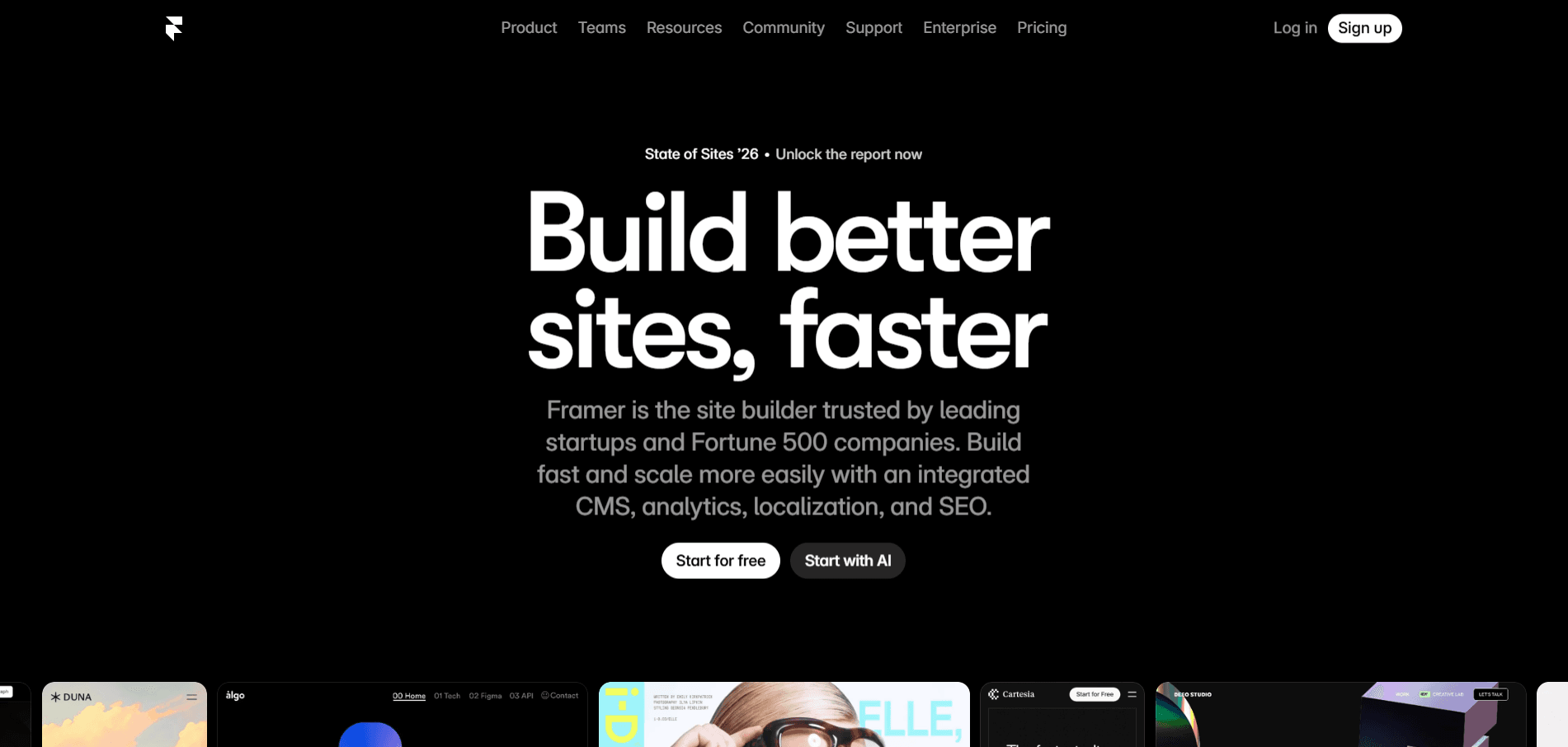
Framer has become one of the most interesting website builders in 2026 among designers, creative agencies, SaaS startups and for them who want no code. Originally, Framer was built as a prototyping tool, then matured into a full production-ready website builder. The component system, animation capabilities, and CMS features of Framer have all seen significant upgrades, making it a good alternative worth serious consideration.
When Framer vs Webflow is compared, Framer holds a noticeably philosophical approach. Webflow you will get a deep CSS-level control, coming with a steep learning curve that can intimidate beginners and slow down even experienced designers.
But on the other hand, Framer values creative speed and visual expression, helping to build visually complex pages faster. However, creating very specific layout behaviors is a little difficult in Framer, which Webflow handles more precisely. So, if you value aesthetics and speed over technical depth, Framer wins that comparison.
Framer is best for designers, indie makers, and small creative teams who want design-first, fast to launch, ideal for visually rich, creative sites. It is well known for portfolio sites, startup landing pages, and marketing websites where visual impact matters most. And Webflow is for those who wants structure-focused, scalable, better for SEO, complex content, and long-term growth.
However, Framer is quiet affordable for entry level freelancers, designers and developers than Webflow.
Strength | Details |
Default Templates | Gorgeous, professionally designed templates ready to launch. |
Animations | Smooth, high-quality animations with minimal effort. |
Page Performance | Fast loading speeds with optimized output. |
Designer Workflow | Interface built around how designers actually think and work. |
AI Design Features | Meaningful AI-assisted productivity tools updated for 2026. |
Limitation | Details |
CMS Maturity | Less powerful and flexible compared to Webflow's CMS. |
E-commerce | Limited commerce capabilities, not built for online stores. |
Integrations | Smaller third-party ecosystem compared to competitors. |
Content-Heavy Sites | Not the best fit for large-scale, content-driven projects. |
Complex Commerce | Requires workarounds for advanced e-commerce requirements. |
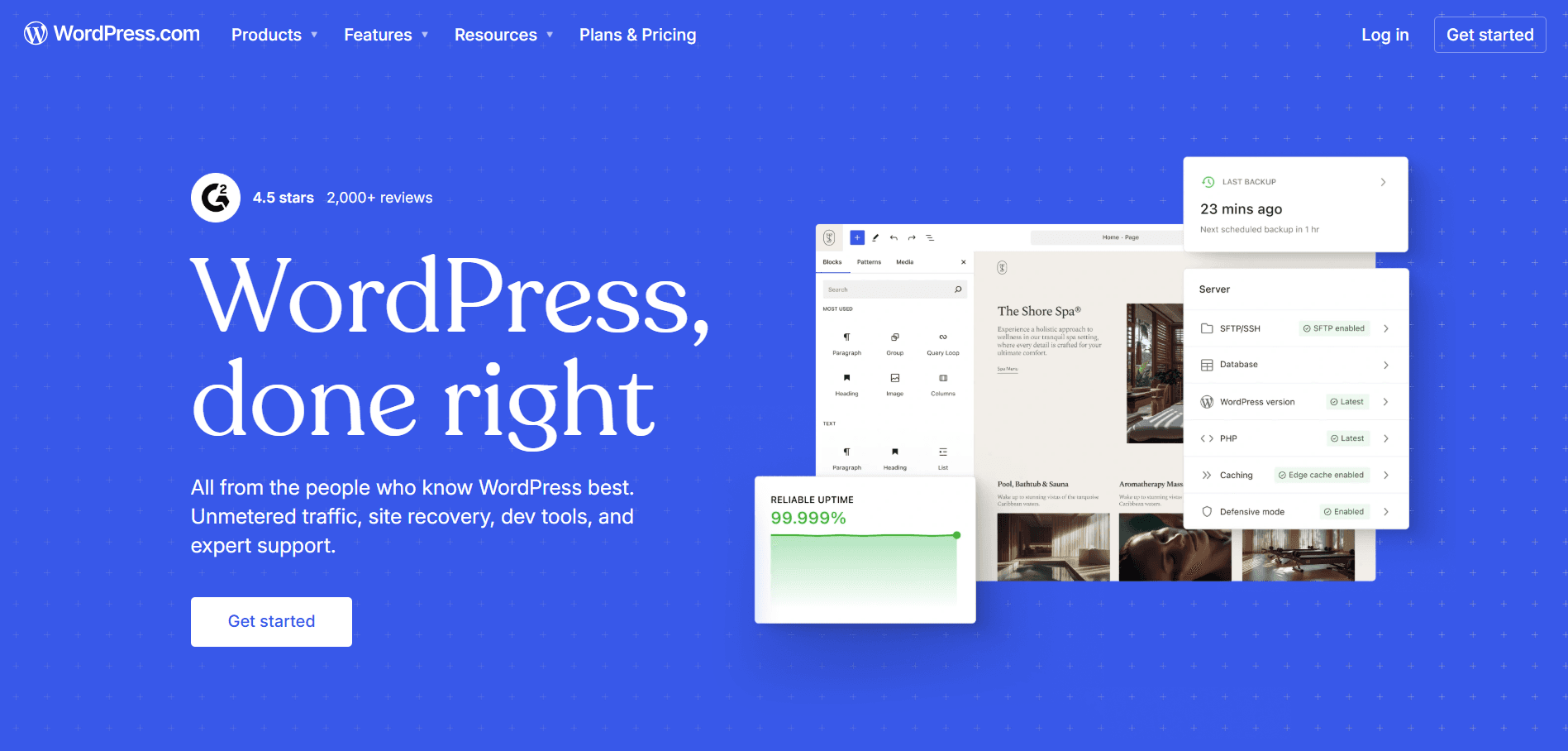
According to the research, WordPress powers over 40% of the internet in 2026 and it shows how people use it so much. The open-source content management system gives you complete ownership and control over your website, your data, and your hosting environment. WordPress supports everything from simple personal websites to enterprise-level platforms, news publications, membership sites, and full-scale e-commerce stores through WooCommerce.
When WordPress and Webflow is compared, it is less about design tools and more about philosophy and ownership. Webflow is a all in one platform where design, CMS, and hosting are tightly integrated.
But in WordPress, you can choose your own hosting, plugins, theme or page builder, this freedom is WordPress's greatest strength and also its biggest challenge. However, WordPress needs technical setup, maintenance, and decision-making which gives you long-term flexibility and cost control.
If you need content heavy websites, blogs, news platforms, membership communities and complex functionality, then WordPress is for you. Also, if you're a team who want full ownership of your infrastructure, pick WordPress. We have seen developers and agencies who work for many client projects tend to pick WordPress due to its flexibility, and huge volume of resources available.
So, if you are creating a website that needs to scale in multiple directions, WordPress is best for you.
Strength | Details |
Plugin Library | Thousands of plugins covering SEO, performance, security, e-commerce, and more. |
E-commerce | WooCommerce is one of the most powerful and flexible store solutions available. |
Visual Page Builders | Elementor, Bricks, and Breakdance have significantly closed the design gap. |
Content Management | Most mature and capable CMS available for content-heavy websites. |
Ownership & Flexibility | Full control over your data, hosting, and entire tech stack. |
Limitation | Details |
Maintenance Overhead | Requires regular updates, security monitoring, and active management. |
Design Seamlessness | Not as smooth or intuitive a design experience compared to Webflow. |
Technical Requirement | Polished results often need a skilled developer or technical knowledge. |
Hosting Complexity | More involved hosting setup compared to hosted platform alternatives. |
Security Responsibility | Plugin vulnerabilities and security risks require consistent attention. |
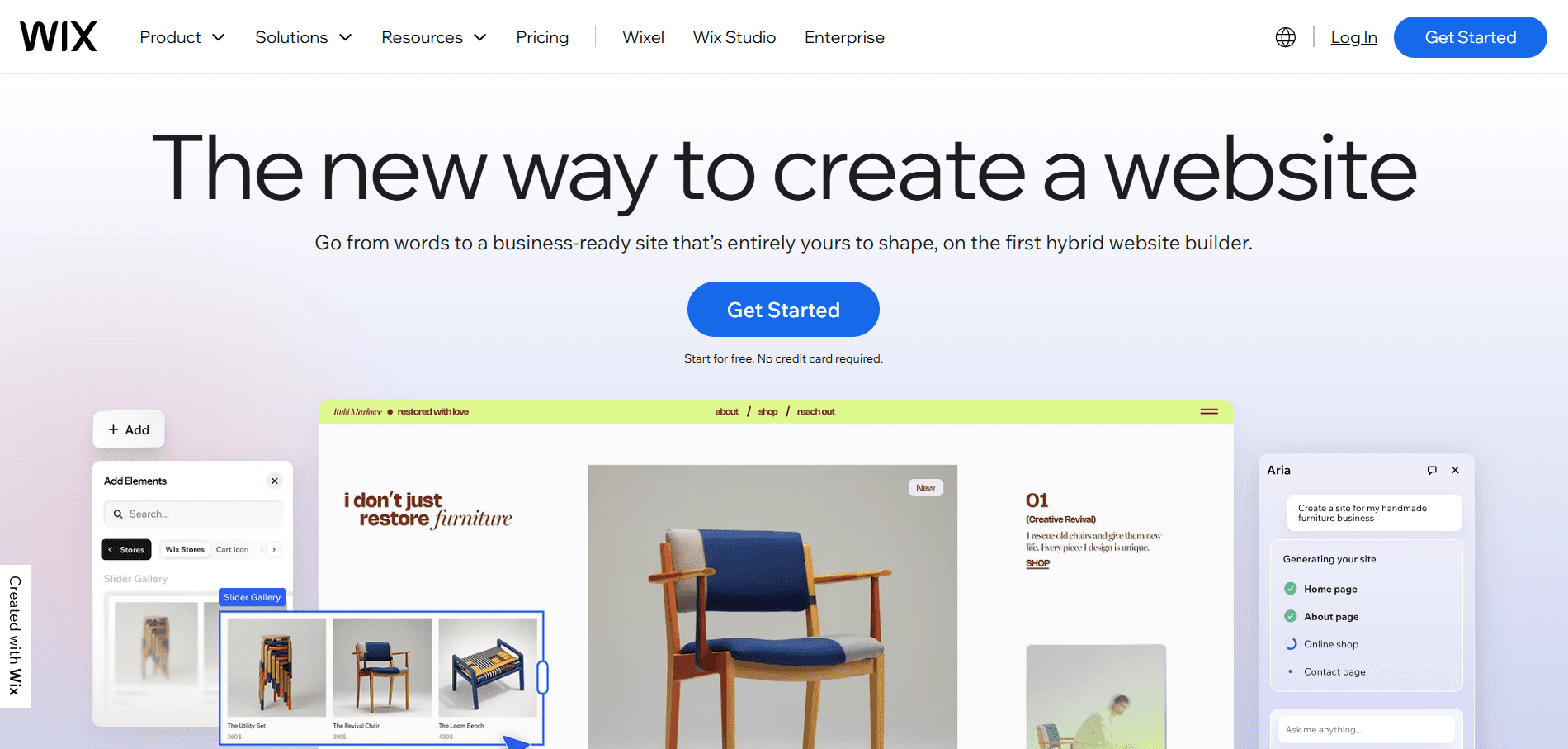
Wix is no more just a beginner's thing only in 2026, it has upgraded a lot. And stands as a all in one website builder, with clarified drag and drop editor, business tools suite, and AI powered design assistant. In short, Wix is for those who wants a easy to manage website builder without hiring any developers or facing complexity.
Wix vs Webflow is for fundamentally different audiences, because Webflow is made for designers and developers who expects precise control over all elements of their projects. But, Wix is for made for the business owners who need simplicity, speed and no advanced technical knowledge.
Through Webflow, you will get cleaner and more customizable output, and it will also give you real design power. Whereas, Wix will provide you easy onboarding, speed, and a gentler learning curve for non-technical users.
Wix is best for small business owners, local service providers, creatives, and entrepreneurs who want to launch websites quickly without investing. And, if you don't have any knowledge on design background, but need a platform for your business, then pick Wix, and it's affordable too.
Strength | Details |
Ease of Use | One of the most beginner-friendly website builders available in 2026. |
Built-in App Market | Comprehensive marketplace covering most common website functionality needs. |
AI Website Generation | Strong AI tools that help users build and design websites faster. |
Managed Infrastructure | Hosting, security, and maintenance all handled automatically out of the box. |
SEO Improvements
| Significantly improved search engine optimization capabilities in recent years. |
Limitation | Details |
Design Distinctiveness | Sites can feel templated and less unique compared to Webflow-built websites. |
Custom Design Flexibility | Limited options for highly custom or unconventional design requirements. |
Template Lock-in | Switching templates after launch requires a full site rebuild from scratch. |
Commitment Risk | Template lock-in creates a significant long-term platform commitment risk. |
Advanced User Ceiling | Platform can feel restrictive for experienced designers needing deeper control. |
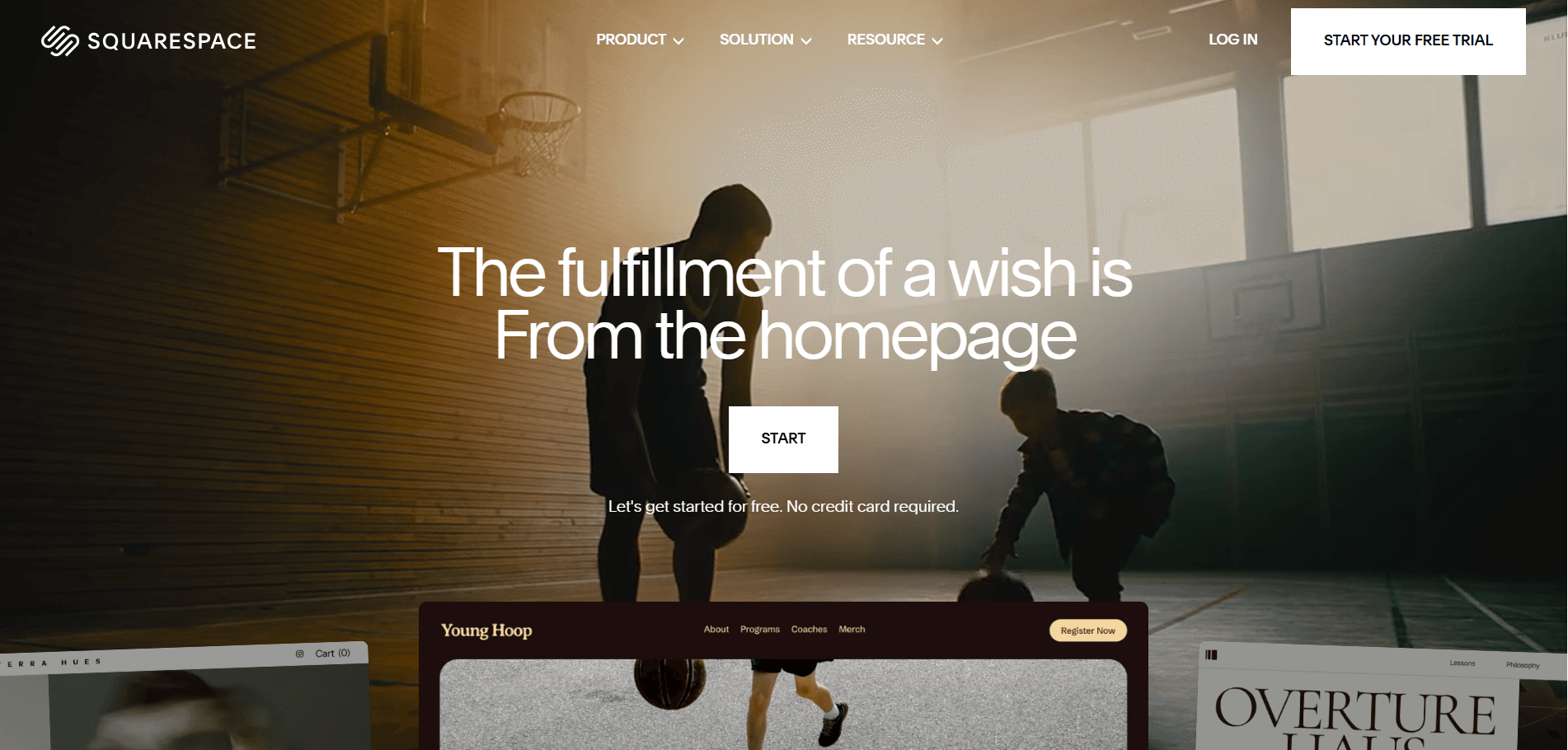
Squarespace is built targeting creatives, photographers, artists, writers, boutique brands and small businesses that cares about visual presentations but manage a platform on their own. It has elegant and professional templates, and a cohesive design system ensuring non-designers work feels intentional and well built.
Squarespace vs Webflow both values design quality, yet they are different in their own ways. We already know that Webflow provides full control over everything, but Squarespace provides a curated guided experience helping you to make things faster. Squarespace is more like, if you follow its system, it will reward you with its services.
In short, if you are looking for premium, professional website without much time and financial investment for custom design work, then Squarespace is for you.
Strength | Details |
Template Quality | Consistently high-quality, professionally designed templates across all categories. |
Editing Experience | Intuitive and consistent editing interface that rarely gets in your way. |
Blogging and Portfolio Tools | Built-in tools purpose-built for bloggers, photographers, and creative portfolios. |
All-in-One Infrastructure | Reliable hosting, security, and maintenance bundled into one managed platform. |
Mature E-commerce
| Native support for subscriptions, digital downloads, and appointment scheduling. |
Limitation | Details |
Customization Ceiling | Going beyond templates requires CSS knowledge and technical intervention. |
Layout Flexibility | Less capable than Webflow for complex or unconventional page layouts. |
CMS Control | Not suitable for large-scale or content-heavy projects requiring deep CMS control. |
Pricing | Premium pricing that may not justify the value for users with simpler needs. |
Platform Migration | Users who outgrow Squarespace often face a frustrating and complex transition process. |

Shopify is not for everyone, it's built for e-commerce businesses selling online at any scale of their company. It doesn't matter what you sell, handmade goods, or enterprise managing big inventor, Shopify is for all who sells online, and its their default choice. The infrastructure, payment process, shipping integrations, merchant tools, everything in Shopify is best among all website builders.
In Webflow vs Shopify, Webflow is a design and CMS platform which added the e-commerce feature. But, Shopify is originally an e-commerce platform that added website building as a feature.
If your needs are simple, then Webflow is for you, because it lacks inventory management, discount logic, shipping rules and third party apps. But, Shopify's design flexibility is very limited than Webflow, building custom storefronts requires developer or premium theme.
If your main goal is to sell products online, then Shopify is for you. Whatever you are launching, for example a product brand, scaling a store, dropshipping business or subscription business, Shopify is best for all. The infrastructure of Shopify is made to support all types of commerce at all stages of growth. Shopify is known as best for inventory management, multi-channel selling across social and marketplace platforms, and access to hundreds of specialized commerce apps.
Strength | Details |
Commerce Infrastructure | Rock-solid, battle-tested e-commerce foundation built to handle serious online stores. |
App Ecosystem | Enormous marketplace with thousands of apps covering virtually every store need. |
Multi-Channel Selling | Native support for selling across social media, marketplaces, and in-person channels. |
Payment Processing | Reliable built-in payment solution with competitive rates through Shopify Payments. |
Scalability | Grows seamlessly from a single-product store to a multi-million dollar operation. |
Merchant Analytics | Excellent built-in analytics, abandoned cart recovery, and store management tools. |
Limitation | Details |
Design Flexibility | Less design freedom compared to Webflow, constrained by the Liquid template system. |
Transaction Fees | Additional fees apply on every sale unless using Shopify Payments exclusively. |
Cumulative App Costs | Monthly costs rise significantly when factoring in apps needed for full functionality. |
Commerce-First Focus | Strong commerce focus comes directly at the expense of design freedom and creativity. |
Non-Commerce Use | A poor fit for websites where selling products. |
Wix is the best Webflow alternative for beginners in 2026 with no design or technical knowledge. The AI website generation tools in Wix will help you to create a site within minutes, and you don't have to worry about security and maintenance.
Yes, WordPress can not only match but can even exceed design capabilities of Webflow, but it requires effort and technical knowledge or investment. The popular page builder Elementor closed the visual design gap, with themes and plugins setup, producing polished custom results. You need assembling and maintaining multiple tools to have success in WordPress, but Webflow gives your design control and freedom.
Yes you can, like WordPress helps you to migrate from Webflow through its several tools and plugins, then Shopify got dedicated migration tools for moving e-commerce. On the other hand, Framer, Wix and Squarespace does not support direct Webflow imports.
Before picking Webflow alternatives, it is very important for you to understand your business type, needs and wants. Because, each website builder alternatives come with different goals and priorities, so knowing your position is very crucial.
Platform | Choose If You... |
Webflow | Need full design control with powerful CMS for client projects. |
Framer | Want the fastest design workflow with stunning animations. |
WordPress | Need maximum flexibility, plugins, and long-term scalability. |
Wix | Want the easiest setup with no technical skills required. |
Squarespace | Need a beautiful, simple site for portfolios or small business. |
Shopify | Are building a serious e-commerce store above everything else. |
Upgrade to Grabui
Discover unlimited inspiration to help you Design fast. Build faster.


Share On


