Key Takeaways
Through vibe coding you describe what you want, and AI builds it.
Beginners can go from idea to live app using tools like Lovable, Bolt, and Replit no coding experience required.
The right tool depends on your skill level pick your stack wisely to avoid wasted effort.
Building software used to mean months of coding, debugging, and frustration. For non-technical founders and even experienced developers, the gap between having a great idea and launching a real product felt impossibly wide. Countless projects stalled before they ever reached users.
In 2026, vibe coding tools now let anyone turn a simple prompt into a working application. But with dozens of tools available, choosing the wrong stack wastes time and money.
Below we broke down the complete vibe coding workflow from beginner to advanced. And reviewed the 9 essential tools you need to build, ship, and scale products faster than ever before.
If you're new in the world of vibe coding, then, we would recommend you to read the guide on, Roadmap to Vibe Coding in 2026 first.
Step by Step Vibe Coding Workflow
Vibe coding follows the same core journey as traditional software development that is:
— idea → build → launch — but the difference is that AI tools now handle most of the technical work.
Instead of manually writing hundreds of lines of code, vibe coders guide AI through prompts, instructions, and iterations. Whether you’re a complete beginner or an experienced developer, the process becomes a structured collaboration between human intent and AI execution.
Below is how the workflow typically looks at two levels:
a beginner-friendly path for people with no coding experience
a pro workflow used by developers and advanced builders
Level 1 Beginner-Friendly Workflow
This path is designed for creators, founders, and makers who want to build an app without learning traditional coding first. The goal is to turn an idea into a working product using AI-powered tools and simple prompts.
Step 1. Define Your Product Idea
Every successful product starts with a clear idea. At this stage, your job is not to think about technology but to focus on the problem you want to solve. Write down what your product does, who it is for, and what the core features should be. Think in terms of user actions, for example: users sign up, create something, share it, or track data.
This step also helps you avoid building unnecessary features. Instead of trying to build everything at once, define a simple first version of your product. Many creators use tools like Notion, Airtable, or Miro to organize ideas, map user flows, and keep track of product concepts.
The goal here is simple: turn a vague concept into a clear product description that AI can understand later.
Step 2. Plan the Structure of Your App
Once the idea is clear, the next step is to break the product into smaller parts. Think of this as creating a blueprint for your application. List the main pages or sections your product will have. For example, a typical app might include a homepage, dashboard, settings page, and authentication screens.
At this stage you are not writing code, you are simply organizing how the product should work.
Planning tools like Notion, Trello, ClickUp, and Whimsical are often used to map features and create simple workflows.
This planning step helps AI tools later understand how different parts of the product should connect together.
Step 3. Design the Interface
Before generating code, it helps to visualize how the product should look. This doesn’t require design expertise, the goal is simply to create a rough layout of the interface. You can think of this as sketching your app screens: where buttons appear, where content lives, and how users navigate.
Beginners often rely on templates or drag-and-drop design tools to make this easier. Popular options include Figma, Framer, and Canva, where you can quickly create simple UI layouts or adapt existing design templates.
Even a rough visual structure gives AI tools a clearer direction when generating the actual interface.
Step 4. Generate Your App with AI
This is where vibe coding truly begins. Instead of writing code manually, you describe your product in natural language and let AI generate the first version of the application. For example, you might prompt the AI to build a dashboard, create a login system, or generate a content management feature.
Tools such as Replit, Lovable, and Bolt let beginners to create entire apps through prompts, often generating both frontend and backend functionality. The first version produced by AI is rarely perfect but it provides a working foundation that you can refine step by step.
At this stage, the focus is on getting something functional as quickly as possible.
Step 5. Add Features and Functionality
Once your app exists, the next step is to expand its capabilities. This is where you instruct AI to add new components such as user authentication, data storage, dashboards, or integrations with external services.
Instead of building backend infrastructure manually, beginners typically rely on managed platforms like Supabase or Firebase to handle databases, authentication, and server logic.
You continue interacting with the AI tool, whether it’s Replit, Lovable, or Bolt asking it to improve or extend the application. Over time, your basic prototype evolves into a fully functional product.
Step 6. Refine the User Experience
After the main features are working, you can start improving how the product looks and feels. This might include adjusting layouts, refining visual hierarchy, improving navigation, or polishing micro-interactions.
You may return to tools like Figma, Framer, or Canva to tweak the design, then apply those changes through your AI coding platform. This stage is about making the product feel professional, intuitive, and enjoyable to use.
Step 7. Test the Product
Before launching your app, you need to make sure it actually works as intended. Go through the application as if you were a user, and sign up, click every button, and try every feature.
Many AI development platforms including Replit, Lovable, and Bolt include preview environments that make testing easy. Testing ensures that users will have a smooth experience when they interact with your product.
Step 8. Deploy and Launch
Once everything is working properly, the final step is publishing your app so others can use it. Deployment platforms like Vercel and Netlify make it possible to launch web applications with minimal configuration. Some AI platforms, such as Replit or Lovable, can also deploy projects directly.
After deployment, your app receives a live URL that anyone can access, so you have officially turned an idea into a real product.
Level 2 Advanced Workflow
While beginners rely heavily on automated app builders, experienced developers use a more modular workflow. And the advanced workflow combines AI coding tools, backend services, and professional deployment pipelines. The goal here is greater flexibility, scalability, and control over the application architecture.
Step 1. Define the Product Architecture
Professional builders begin by thinking about the system structure not just the idea. They define how different parts of the application interact, including frontend components, backend services, APIs, and data flows.
Architecture diagrams are often created using tools like Notion, Miro, or Draw.io to visualize the system before writing any code. A well-planned architecture prevents technical limitations later in the development process.
Step 2. Design the Interface System
Instead of designing individual screens, advanced teams create reusable design systems. Using tools like Figma, Framer, Sketch, or Adobe XD, they define consistent components buttons, layouts, typography, and UI patterns. This structured approach ensures that the product remains visually consistent as it grows.
Step 3. Generate and Write Code with AI IDEs
Professional vibe coders typically work inside AI-powered development environments rather than fully automated app builders. Tools like Cursor IDE, GitHub Copilot, Windsurf, and Tabnine help developers generate code, modify entire files through prompts, and speed up development significantly.
Instead of replacing coding entirely, these tools augment the developer’s workflow, allowing them to focus on logic and architecture while AI handles repetitive implementation.
Step 4. Use AI Agents for Complex Development
For deeper automation and large-scale projects, advanced builders rely on AI agents that can analyze entire repositories. Tools like Claude Code and Sourcegraph Cody help developers refactor systems, understand unfamiliar codebases, and implement complex changes across multiple files.
This stage is where vibe coding becomes a collaborative development process between the engineer and AI.
Step 5. Build the Backend Infrastructure
Instead of relying entirely on generated backend systems, professionals configure scalable infrastructure using platforms like Supabase, Firebase, Hasura, or Appwrite. These services manage databases, authentication, APIs, and server functions while remaining flexible enough for complex products.
Step 6. Manage Code with Version Control
As projects grow, maintaining structured code management becomes critical. Teams use platforms such as GitHub, GitLab, or Bitbucket to track code changes, collaborate with other developers, and maintain a stable project history. Version control ensures that development remains organized and reversible if issues occur.
Step 7. Perform Automated Testing
Advanced workflows rely heavily on automated testing to maintain reliability. Tools like Jest, Mocha, Cypress, Playwright, and Postman help developers verify that the application behaves correctly across different scenarios. Testing frameworks detect bugs early and prevent issues from reaching production.
Step 8. Deploy and Scale the Application
Finally, professional vibe coders deploy their applications using production-grade infrastructure. Platforms such as Vercel, Netlify, Render, and Railway provide scalable hosting, continuous deployment pipelines, and serverless infrastructure. Once deployed, the product becomes a live service capable of supporting real users and continuous updates.
Vibe coding is a flexible ecosystem where creators and developers collaborate with AI to build products faster than ever before.
9 Core Vibe Coding Tools You Need
Here are the 9 essential vibe coding tools across four categories that power the modern build workflow from prompt to production.
3 Best AI App Builders (No-Code/Prompt-to-App)
These platforms let you describe your app idea in plain English and generate a fully working application without writing a single line of code.
Lovable
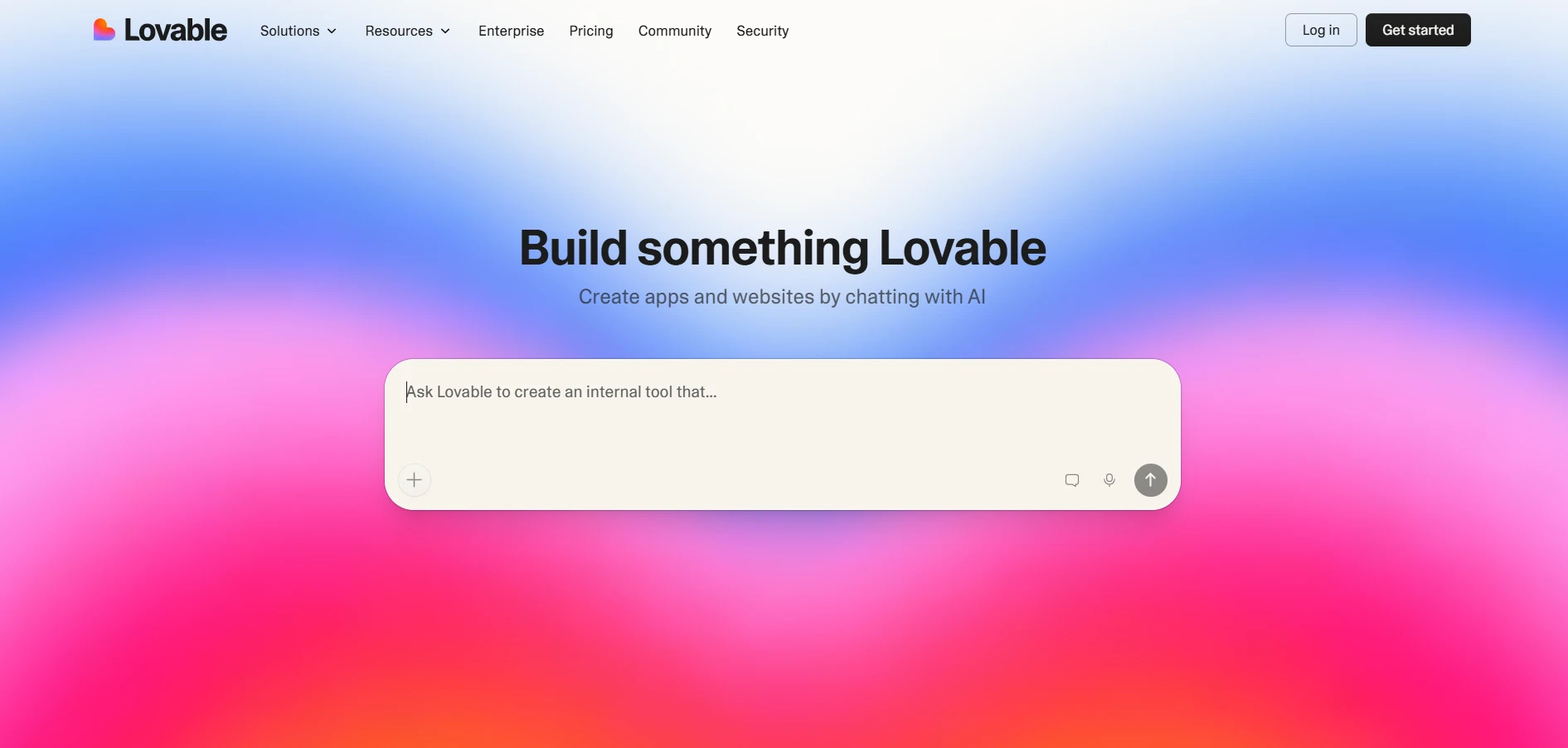
Lovable is an AI-powered platform designed to turn natural language prompts into fully functional web applications. Instead of writing frontend and backend code manually, users describe the product they want to build.
For example, “create a SaaS dashboard with authentication and a user profile page,” Lovable then generates the interface, database structure, and application logic automatically.
The platform is especially popular among founders, indie makers, and non-technical creators who want to move from idea to prototype quickly. Lovable focuses on prompt-to-product development, where users iteratively refine their app by giving additional instructions to the AI. You can ask it to add features, modify layouts, connect APIs, or improve the design, and the system updates the code accordingly.
One of Lovable’s key strengths is how it blends AI development with visual editing. Users can inspect the generated code, modify components, and extend functionality as their product evolves. This makes it useful both for beginners starting from scratch and for developers who want to accelerate early-stage development.
Because it generates a complete working application structure, Lovable is often used to build MVPs, SaaS prototypes, dashboards, internal tools, and startup experiments. It reduces the time required to build the first version of a product, letting teams to focus on testing ideas rather than writing infrastructure code.
Pros
Quickly generates full-stack applications from simple prompts.
Beginner-friendly interface with minimal technical setup.
Ideal for building MVPs and rapid product prototypes.
Cons
Generated code may require manual refinement for complex apps.
Limited customization compared to fully manual development.
Bolt
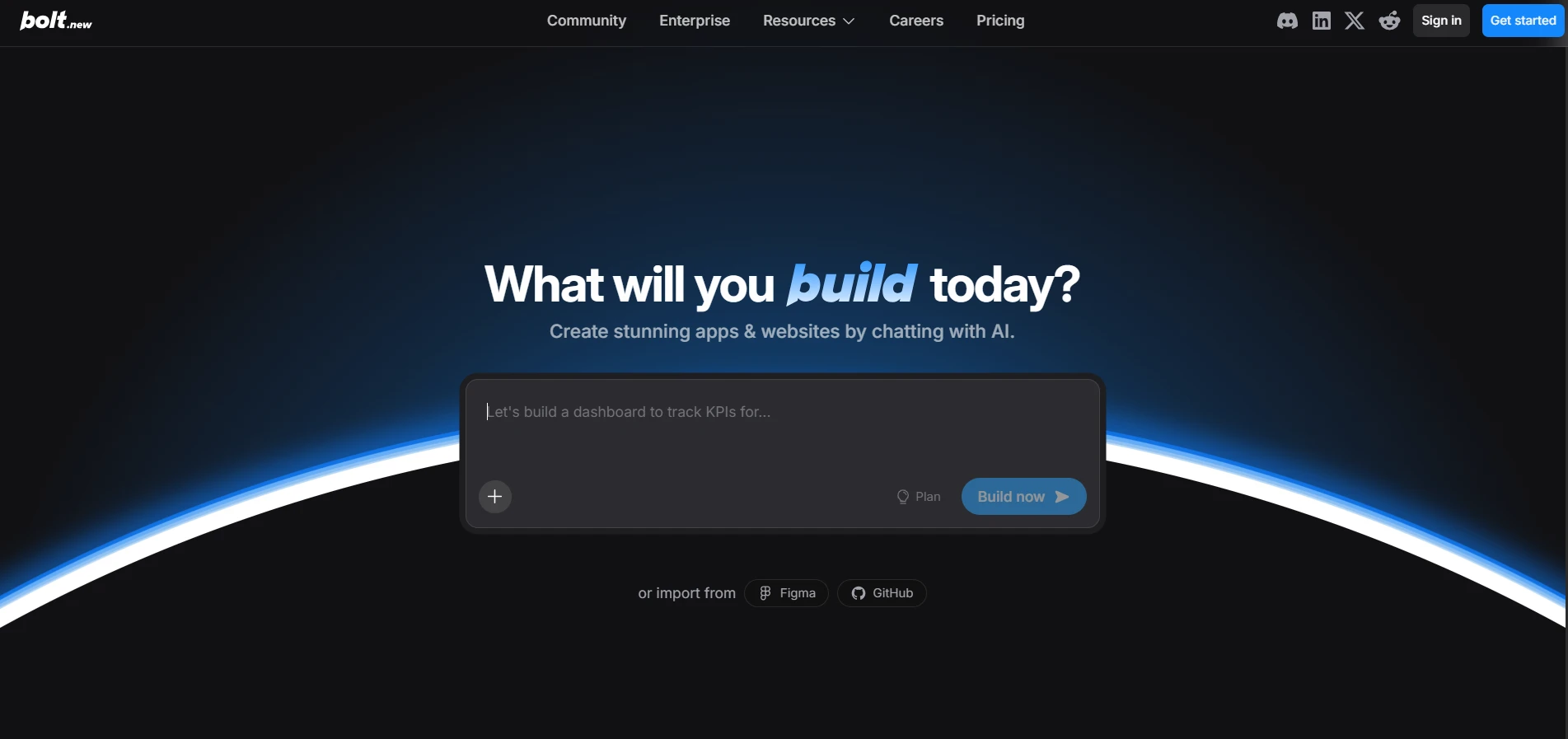
Bolt is a browser-based AI development tool that generates complete web applications instantly from prompts. Users describe the product they want to build, and Bolt produces a working project including the frontend interface, backend logic, and project structure.
What makes Bolt unique is its real-time development environment inside the browser. The platform generates code while also letting users to edit, test, and preview the application in the same workspace. This means creators can iterate quickly without setting up local development tools or configuring complex environments.
Bolt is particularly effective for building modern JavaScript web applications, often generating projects using popular frameworks and best practices. Users can request new features, modify UI elements, connect APIs, or restructure parts of the application simply by prompting the AI.
Another advantage is how fast it produces working prototypes. Instead of spending hours setting up a project, developers can start with a functioning base app and then refine it through iterative prompts. This makes Bolt a powerful tool for rapid experimentation, hackathons, startup prototypes, and internal tools.
While the tool is beginner-friendly, it also appeals to experienced developers who want to accelerate repetitive development tasks. By handling the initial scaffolding and feature implementation, Bolt let builders to focus more on product logic and user experience.
Pros
Generates full web applications instantly from prompts.
Browser-based environment with no local setup required.
Enables rapid prototyping and fast iteration cycles.
Cons
Performance and structure may require optimization for production.
Large or complex apps may exceed the platform’s capabilities.
Replit
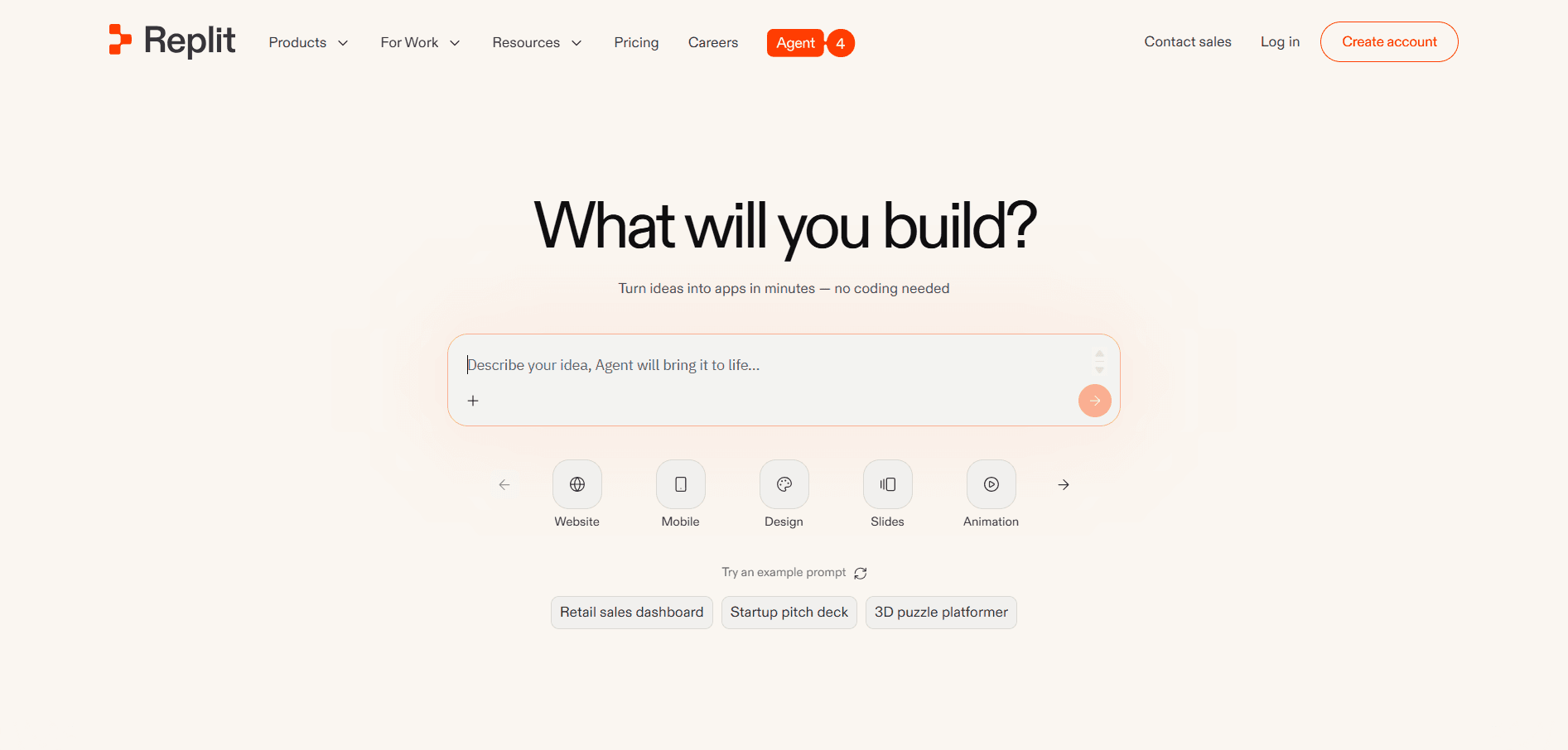
Replit is a cloud-based development platform that combines coding, AI assistance, and deployment into a single workspace. Unlike traditional AI app builders, Replit functions as a full development environment in the browser, you can write code, generate code with AI, and run applications instantly.
A major feature of Replit is its integrated AI development assistant. You can describe features in natural language, and the AI generates the required code, modifies existing files, or explains how parts of the application work. This makes the platform highly suitable for both beginners learning programming and experienced developers accelerating their workflow.
Replit supports many programming languages and frameworks, enabling users to build web apps, APIs, automation tools, scripts, and full-stack software. The platform also provides built-in collaboration features, meaning multiple developers can work on the same project simultaneously.
Another powerful advantage is the built-in deployment capability. Applications created in Replit can be published directly from the platform, so you can turn projects into live apps without configuring external hosting services. This simplifies the entire development pipeline from idea to launch.
Because it combines AI development, coding tools, collaboration, and hosting, Replit acts as a complete cloud development ecosystem for modern software building.
Pros
Complete cloud development environment with built-in AI.
Supports multiple programming languages and frameworks.
Allows instant deployment directly from the platform.
Cons
Advanced projects may still require external infrastructure.
Performance may be limited compared to local development setups.
2 Best AI Coding IDEs (Developer Vibe Coding)
For developers who want full control over their code while leveraging AI power, these intelligent IDEs turn natural language prompts into production-ready code.
Cursor IDE
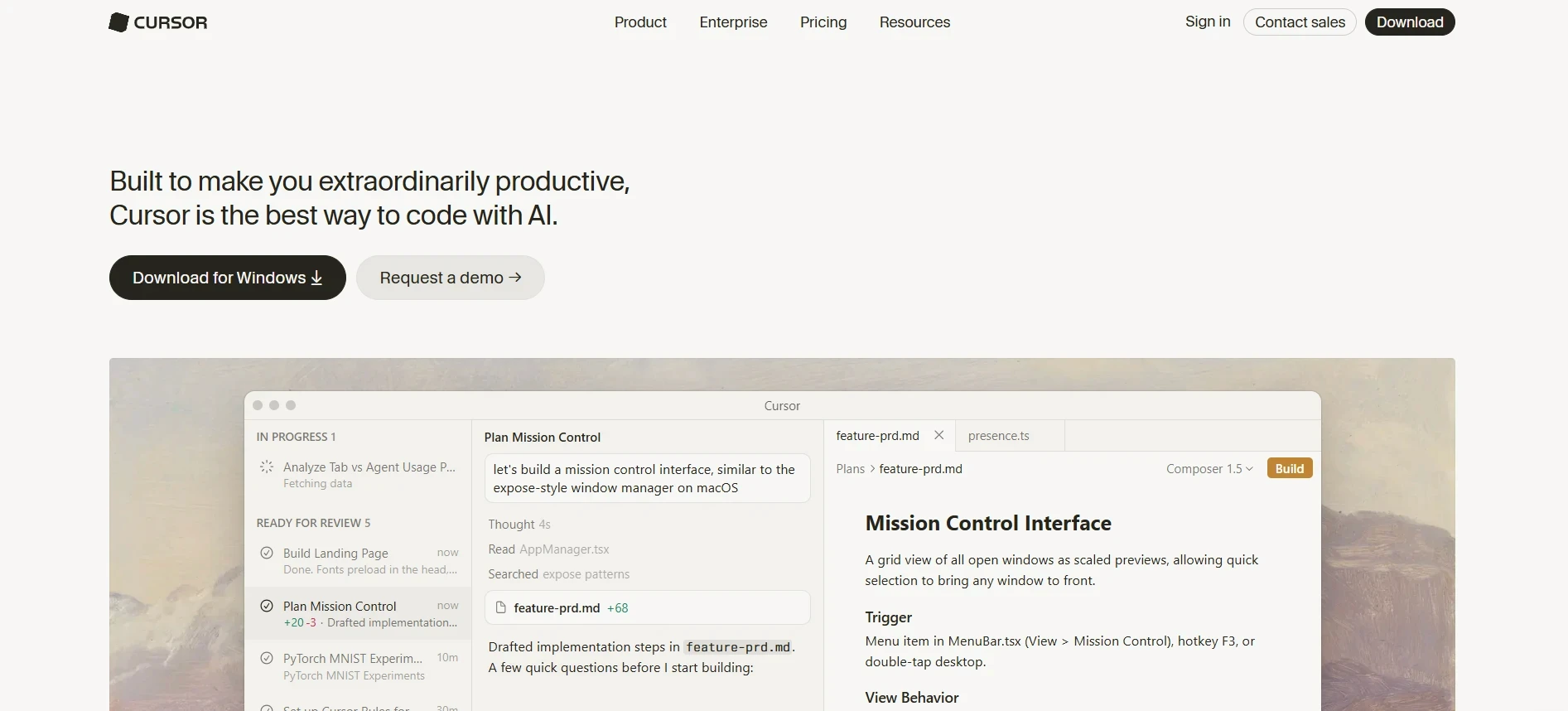
Cursor IDE is an AI-native development environment built specifically for modern vibe coding workflows. Unlike traditional code editors, Cursor is designed to understand your entire codebase and let you write, edit, and refactor code using natural language prompts.
Developers can highlight a section of code and instruct Cursor to modify it, optimize it, or even rewrite it completely. More importantly, Cursor can operate across multiple files, meaning you can ask it to implement a feature and it will update relevant parts of the project automatically. This makes it extremely powerful for handling large-scale changes that would otherwise take hours manually.
One of its standout features is context awareness. Cursor doesn’t just autocomplete lines, it understands project structure, dependencies, and logic. This helps it to generate more accurate and production-relevant code compared to traditional assistants. It also supports debugging, explaining code, and suggesting improvements, making it useful for both learning and professional development.
Cursor is widely used for building full-stack applications, refactoring legacy code, speeding up development cycles, and managing complex systems. It effectively transforms the developer’s role from writing every line of code to directing and validating AI-generated output.
Pros
Deep understanding of entire codebases, not just single files.
Enables large-scale code edits and feature implementation via prompts.
Significantly speeds up development and refactoring workflows.
Cons
Requires developer knowledge to validate and guide outputs.
Can occasionally generate incorrect or over-engineered solutions.
Windsurf
Windsurf is an advanced AI-powered coding environment focused on autonomous and agent-driven development workflows. It goes beyond traditional AI code assistants by letting developers to delegate complex tasks to AI agents that can plan, generate, and execute code across a project.
Instead of manually guiding every step, developers can assign higher-level instructions such as building a feature, restructuring a module, or fixing bugs across multiple files. Windsurf’s AI agents then break down the task, generate the required code, and apply changes throughout the codebase. This makes it particularly powerful for handling repetitive or large-scale engineering work.
The platform is designed for end-to-end development acceleration, where AI not only writes code but also understands workflows, dependencies, and project goals. It supports iterative development, meaning developers can refine outputs through follow-up prompts and gradually improve the system.
Windsurf is especially useful for teams and advanced developers working on complex applications, automation-heavy systems, and scalable products. It represents a shift from AI as a helper to AI as a collaborative development agent.
However, because of its autonomous capabilities, developers still need to review outputs carefully to ensure correctness and maintain code quality.
Pros
Supports autonomous, agent-driven development workflows.
Can handle complex, multi-file tasks with minimal manual input.
Reduces time spent on repetitive and large-scale coding tasks.
Cons
Requires strong understanding of development to guide effectively.
Less predictable output compared to traditional coding approaches.
2 Best AI Coding Assistants
These AI coding assistants integrate directly into your existing code editor, offering real-time suggestions and smart completions that speed up everyday coding tasks.
GitHub Copilot
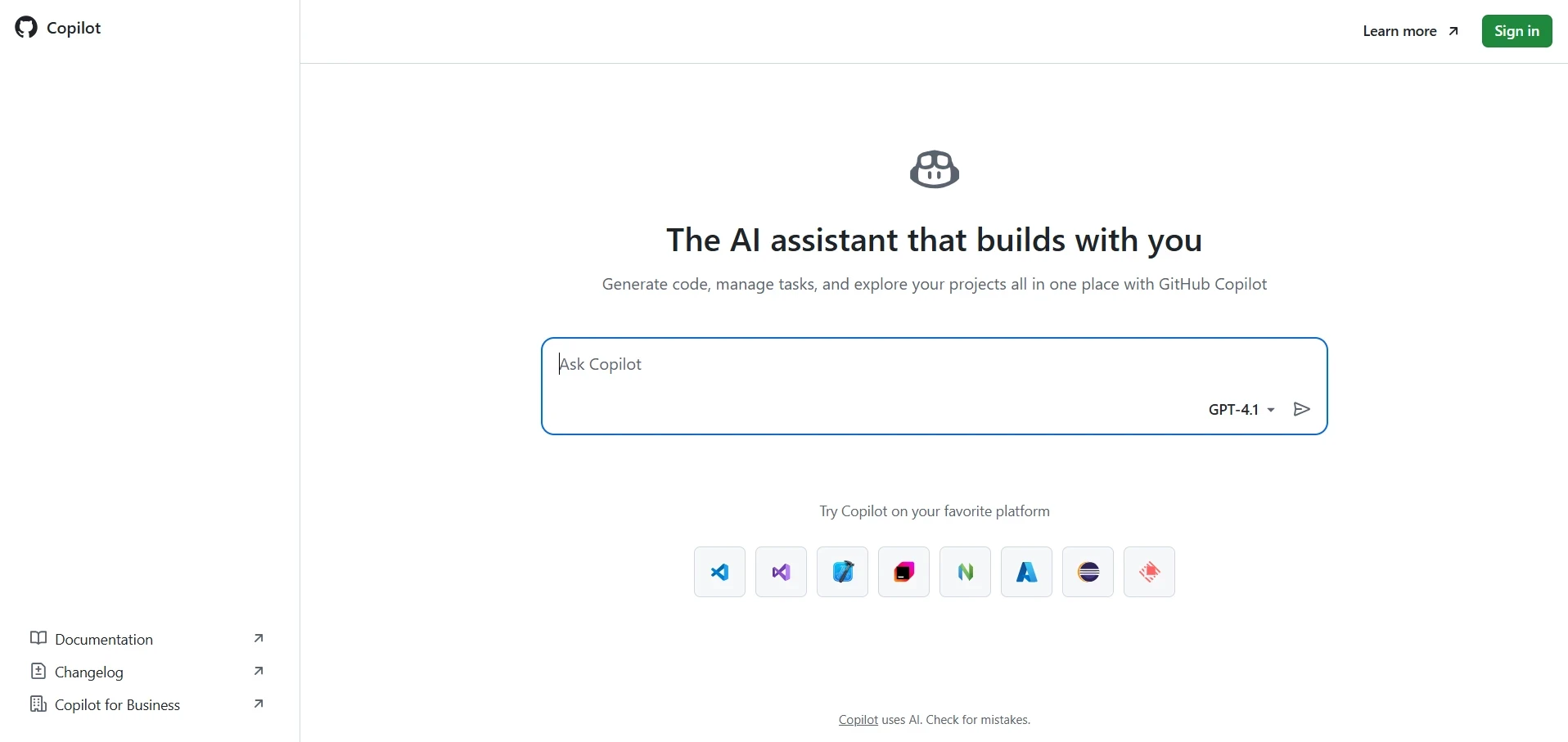
GitHub Copilot is one of the most widely used AI coding assistants, designed to act as a real-time pair programmer inside your code editor. It integrates seamlessly with environments like VS Code and JetBrains IDEs, providing intelligent code suggestions as you type.
Copilot can generate entire functions, suggest logic, write boilerplate code, and even help with documentation, all based on context from your current file. Developers can also write comments in natural language (e.g., “create an API endpoint for user login”), and Copilot will generate relevant code instantly.
One of its biggest strengths is context-aware autocomplete. It doesn’t just predict the next word, it understands the structure and intent of your code, making its suggestions highly relevant. This significantly speeds up development, especially for repetitive tasks like CRUD operations, API calls, and UI components.
Copilot is particularly useful for developers working on web apps, APIs, scripts, and automation tools, as it reduces the need to constantly search for syntax or documentation. However, it still requires human oversight, as generated code may not always follow best practices or handle edge cases correctly.
Pros
Real-time intelligent code suggestions inside popular IDEs
Great for speeding up repetitive coding tasks
Supports multiple languages and frameworks
Cons
May generate incorrect or insecure code if not reviewed
Limited understanding compared to full AI IDEs or agents
Tabnine
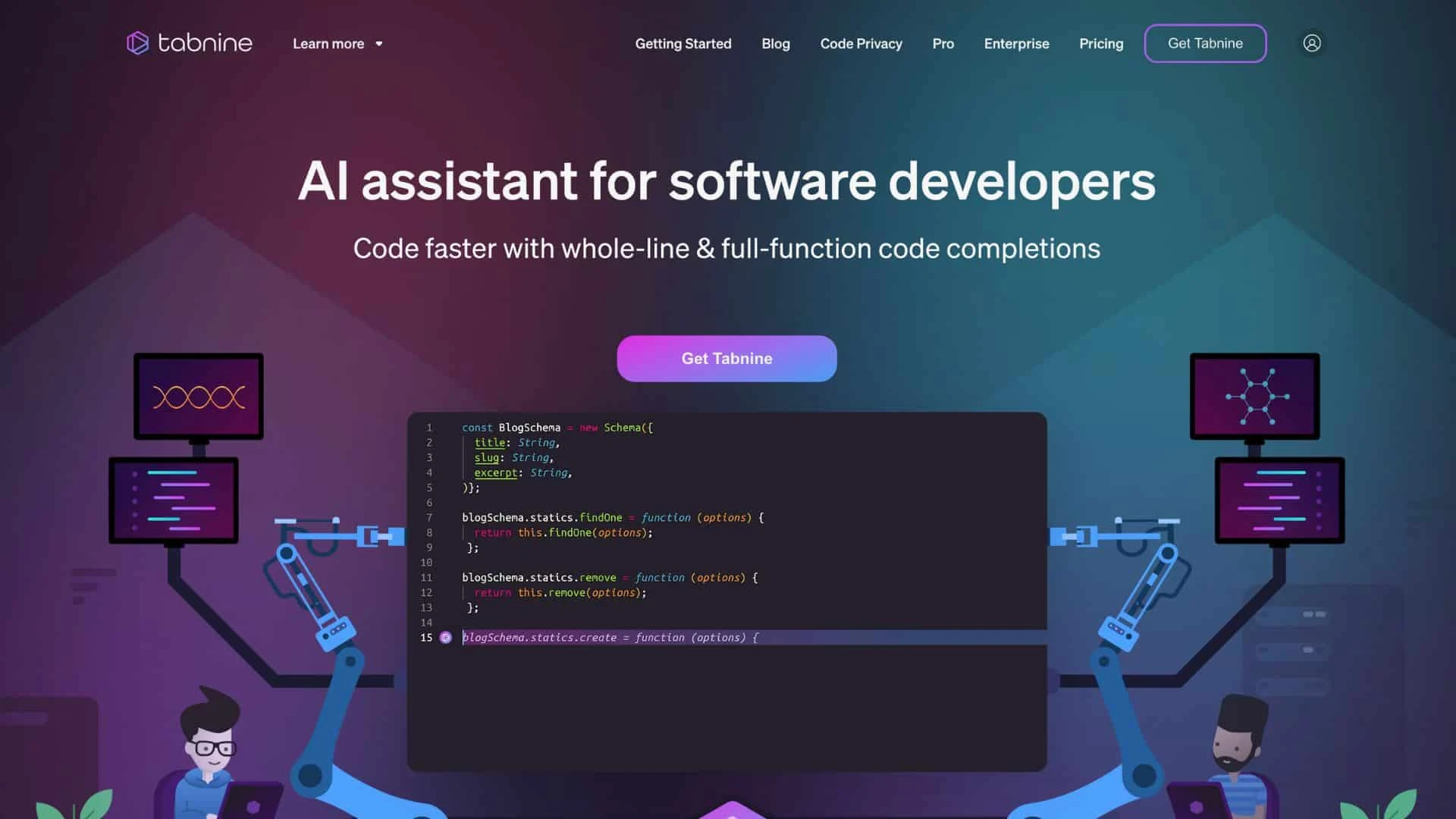
Tabnine is an AI-powered code completion assistant focused on predictive coding and developer productivity. It integrates into various IDEs and provides real-time suggestions as developers write code.
Unlike some AI tools that focus heavily on prompt-based generation, Tabnine emphasizes inline code completion. It helps developers write code faster by predicting what they are about to type.
It learns from coding patterns and adapts to individual or team coding styles over time. One of Tabnine’s distinguishing features is its focus on privacy and customization. It offers options for local model deployment and enterprise-grade security, making it suitable for teams working with sensitive codebases.
Tabnine is best suited for developers who want a lightweight AI assistant that enhances productivity without significantly changing their existing workflow. It works well for speeding up routine coding tasks, though it may not handle complex, multi-step generation like more advanced AI tools.
Pros
Fast and reliable real-time code completion.
Strong focus on privacy and enterprise use cases.
Learns and adapts to coding patterns over time.
Cons
Limited prompt-based generation capabilities.
Less powerful for complex logic or full feature generation.
2 Best AI Coding Agents
These AI coding agents autonomously analyze entire codebases, execute multi-step tasks, and implement complex changes across multiple files with minimal manual guidance.
Claude Code
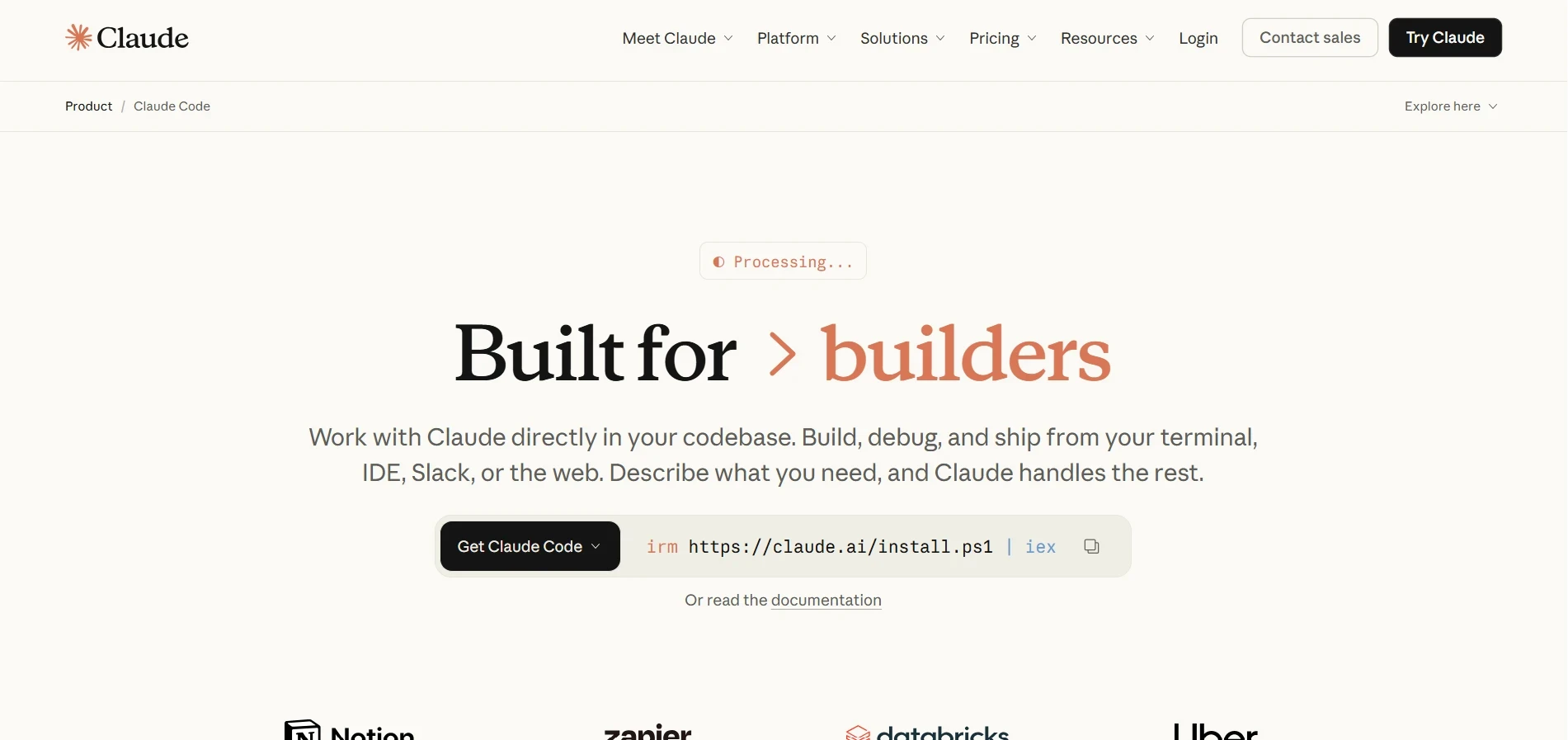
Claude Code is an advanced AI coding agent designed to work directly within the development environment, often through the terminal. Unlike traditional assistants that suggest code line by line, Claude Code can analyze entire repositories, understand project structure, and execute multi-step development tasks autonomously.
Developers can give high-level instructions to Claude Code. Such as “refactor this module,” “fix authentication issues,” or “add a new feature,” and it will break the task into smaller steps, modify relevant files, and implement changes across the codebase. This makes it particularly powerful for large projects where manual updates would be time-consuming.
One of its biggest strengths is deep contextual understanding. It can read multiple files, trace dependencies, and reason about how different parts of the system interact. This lets it to perform tasks like debugging, restructuring code, and improving performance with a higher level of intelligence compared to standard AI tools.
Claude Code is especially useful for complex applications, legacy codebases, and automation-heavy workflows, where developers need assistance beyond simple code generation. It shifts the developer’s role toward reviewing and guiding AI-driven development rather than writing every line manually.
Pros
Handles complex, multi-file tasks autonomously.
Strong understanding of large codebases and dependencies.
Effective for refactoring, debugging, and system-level changes.
Cons
Requires careful review to ensure accuracy and reliability.
Can be less predictable for highly sensitive or critical systems.
Sourcegraph Cody
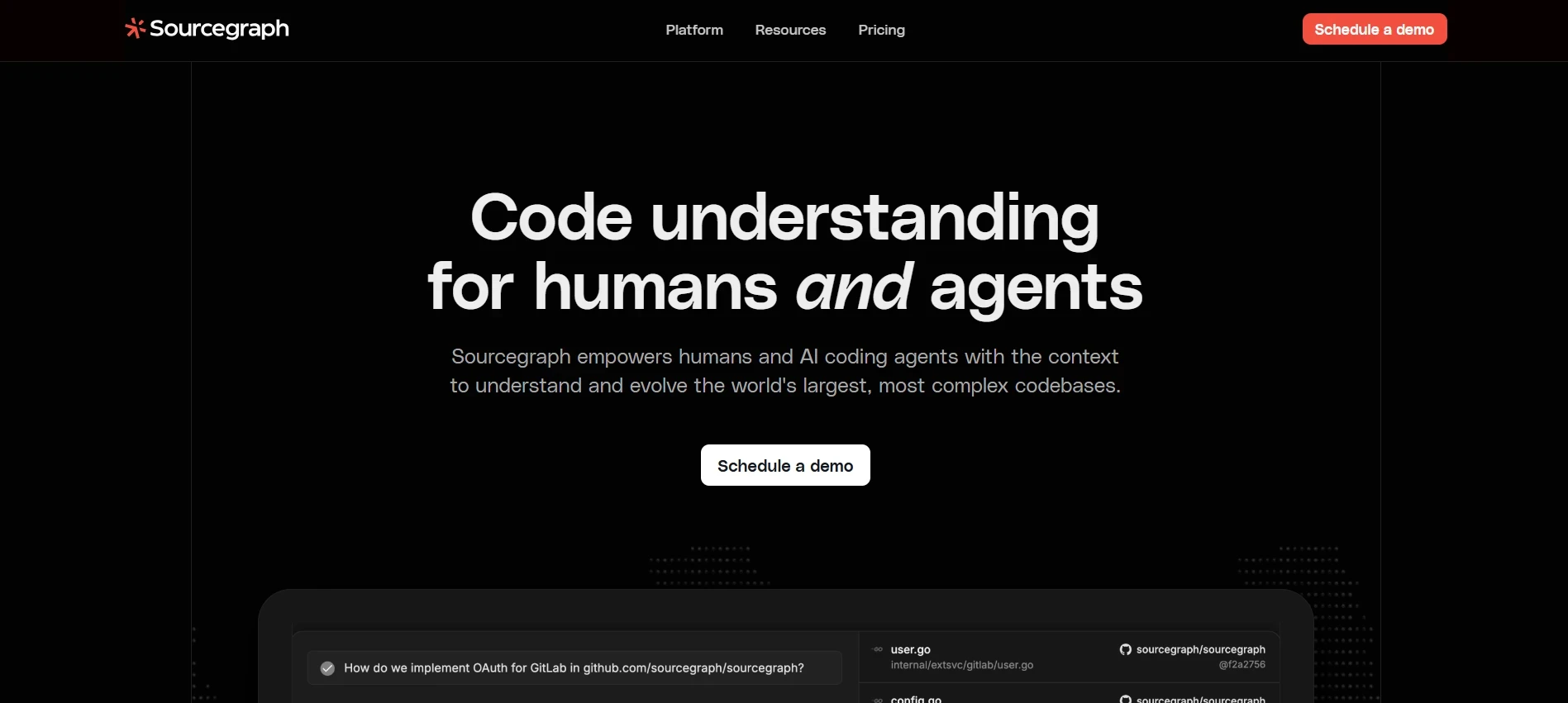
Sourcegraph Cody is an AI-powered coding agent built for understanding, navigating, and modifying large-scale codebases. It integrates deeply with repositories and is designed to help developers work efficiently across complex systems.
Cody excels at codebase search and contextual reasoning. Developers can ask questions like “where is this function used?” or “how does authentication flow work?” and Cody provides clear, context-aware answers by analyzing the entire repository. It can also generate code, suggest improvements, and assist in implementing changes across multiple files.
A key advantage of Cody is its integration with Sourcegraph’s code intelligence features, helping it to index and understand massive codebases that would be difficult to navigate manually. This makes it especially valuable for teams working on enterprise applications or large collaborative projects.
Cody is often used for onboarding new developers, maintaining legacy systems, and accelerating development in large repositories. It acts as both a coding assistant and a knowledge layer over the entire codebase.
Pros
Excellent at understanding and navigating large repositories.
Strong code search and contextual explanation capabilities.
Useful for onboarding and working with complex systems.
Cons
Less focused on autonomous execution compared to some agents.
Requires integration with existing workflows for full effectiveness.
FAQs
Can I build a real app with no coding experience?
Yes, platforms like Lovable, Bolt, and Replit let complete beginners create functional web applications using simple prompts. You can build MVPs, dashboards, and SaaS tools without writing a single line of code yourself.
What is the difference between AI app builders and AI coding IDEs?
AI app builders generate entire applications from prompts automatically. AI coding IDEs like Cursor and Windsurf are developer environments where AI assists with writing, editing, and refactoring code offering more control and flexibility.
Which vibe coding tool should I start with as a beginner?
Start with Lovable or Bolt if you want a fully generated app from prompts. If you want to learn coding alongside AI, Replit is an excellent choice since it combines AI assistance with a complete cloud development environment.
Conclusion
Vibe coding has fundamentally changed how software gets built. Whether you are a non-technical founder or an experienced developer, AI tools now handle the heavy lifting.
The key is choosing the right vibe coding tools for your skill level. Beginners thrive with prompt-to-app platforms like Lovable and Bolt, while advanced builders unlock greater power with Cursor, Windsurf, and Claude Code.
The best time to start building with AI is now. Pick your stack, describe your product, and let vibe coding turn your vision into a live application faster than you ever thought possible.

Tarik Eamin
CEO @ Whiteframe Creative
I’m on a mission to build premium, production-ready design systems that help products look sharp and ship faster. At GrabUI, we share thoughtfully built templates, sections, wireframes, UI elements, icons, branding assets, and motion templates designed for real-world products, not just showcase screens. Through practical blog resources, we help you make better design decisions not just prettier screens.
Pro+
Upgrade to Grabui
Discover unlimited inspiration to help you Design fast. Build faster.

9000+ sections
Websites in minutes

Elements and icons
Complete design toolbox

Instant copy & paste
Works with your platform
Share this article on


