Resources
Explore top Figma alternatives for prototyping from free tools to pro platforms.
Author

Tarik Eamin
Publish Date :
Read Time :
12 Minutes


Resources
Explore top Figma alternatives for prototyping from free tools to pro platforms.
Author
Tarik Eamin
Publish Date :
Read Time :
12 Minutes
Key Takeaways
Pen Pot, Adobe XD, Miro, Proto, Webflow, Framer, Lunacy, Sketch, Azure and Pixso are the best 10 Figma alternatives in 2026.
Choose the Figma alternative based on your business condition, needs and wants, and team size.
Pen Pot, Adobe XD, Miro, Proto, Webflow, Framer, Lunacy, Sketch, Azure and Pixso are known as the best 10 Figma alternatives in 2026. Every prototyping tools comes with its own advantages and disadvantages, but it is about picking the best, it depends on a lot of things.
You should pick the best Figma alternative according to your projects, teams, and the level of interactivity you need in prototyping. We have picked the top 10 Figma alternatives for you, each of it is best for different working context.
So, here are the best 10 Figma alternatives in 2026 that you must try according to your business needs and wants.
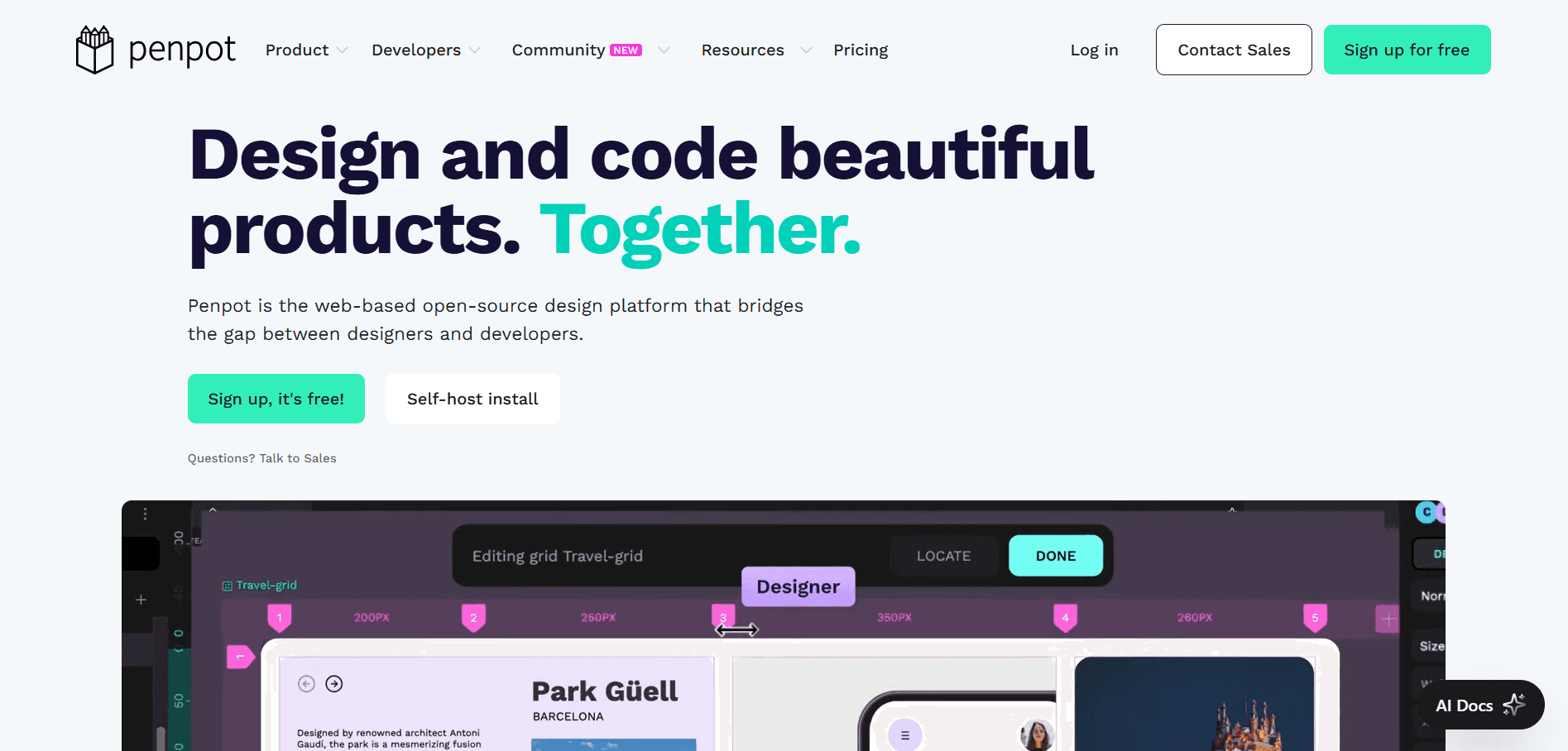
Pen Pot is known to reduce the gap between designers and developers due to its real time collaboration. It's also the popular top open-source prototyping place for customization, and has both self hosting and cloud hosting options available.
It has a huge list of libraries and templates for designers and developers, helping them to bring variation in their easily. You can find templates, design systems, icons, UX Kit, and more things in the Pen Pot library & templates section. And not just this, Pen Pot got a big section of plugins as well, which will enhance your workflow a lot.
However, Pen Pot also offers a free UI Design course for the aspiring designers in the industry, so they can easily learn and practice.
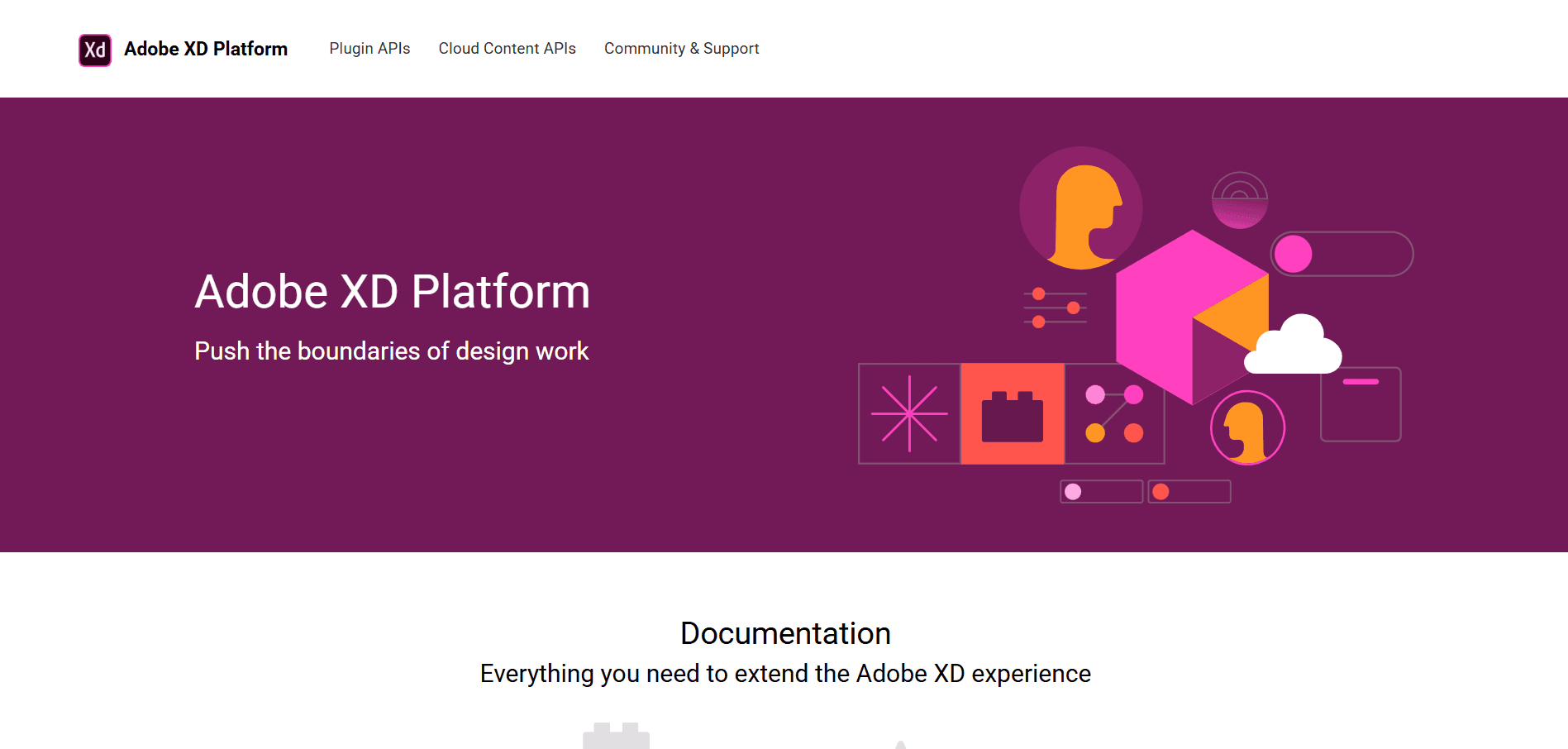
The UX design and prototyping tool Adobe XD is best for the designers and developers team when all of them use the Adobe ecosystem. The integration in the Adobe ecosystem with Photoshop and Illustrator makes the whole workflow process very smooth.
It has been always reviewed positively for its seamless real time collaboration, plugin library, vector based design and voice prototyping. Adobe XD does not lag while performing with large files like Figma.
However, the other great features are the design system tools and auto-animate option for a very smooth transition, and supports interactive prototypes.
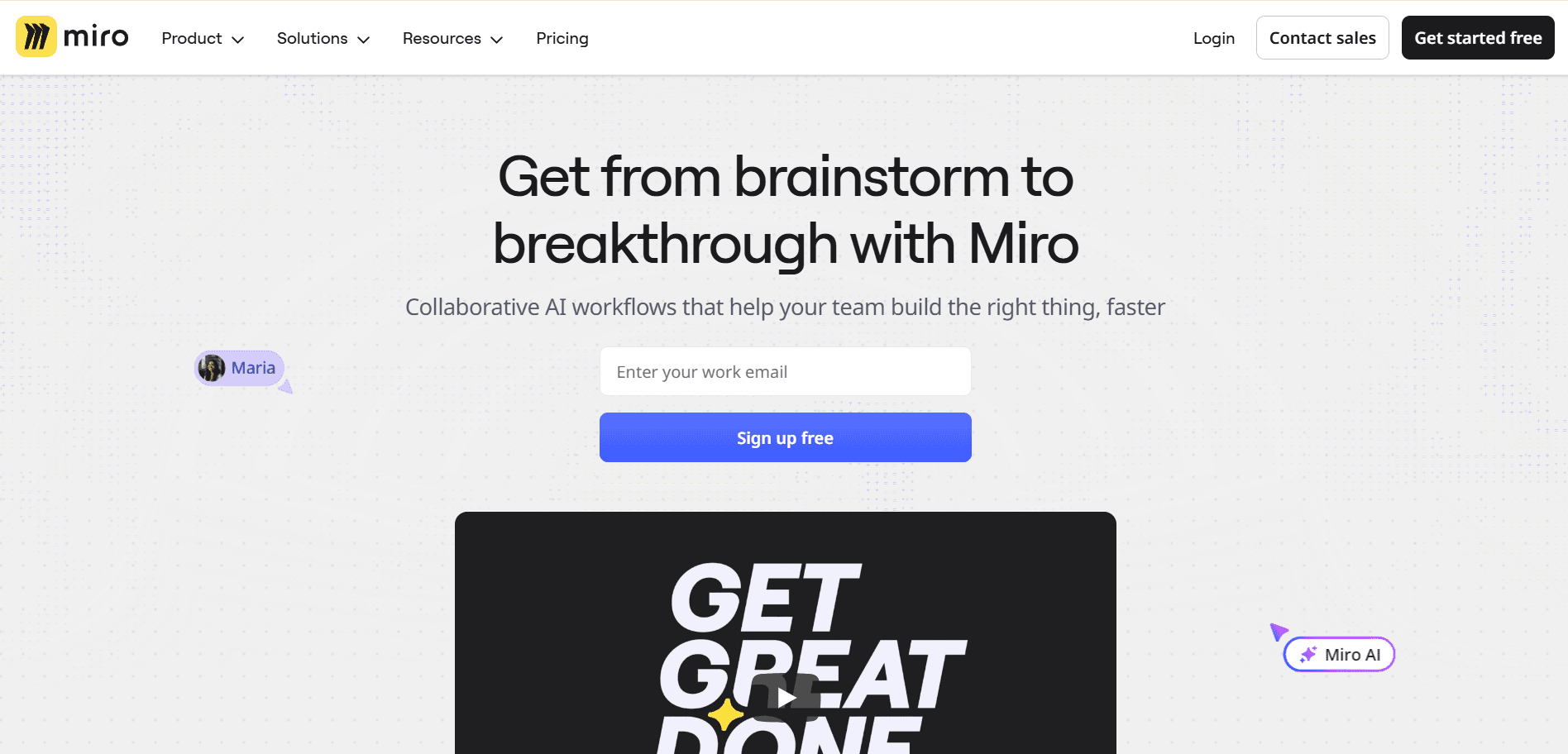
Miro is a number choice for collaborative whiteboarding among UI designers vs UX designers vs Product designers and developers for visualizing workflow and creating diagrams. Well, Miro is not a direct alternative to Figma, rather to FigJam.
And, Miro has been a popular choice among users due to multiple helpful core features. It has a strong integration ecosystem of 100 platforms, supporting complex workflow, advanced security features and many more.
Miro is best for quick sketches, click-through demons, and team brainstorming collaboration. but not good for scalable wireframes, advanced prototypes, and developer ready handoffs.
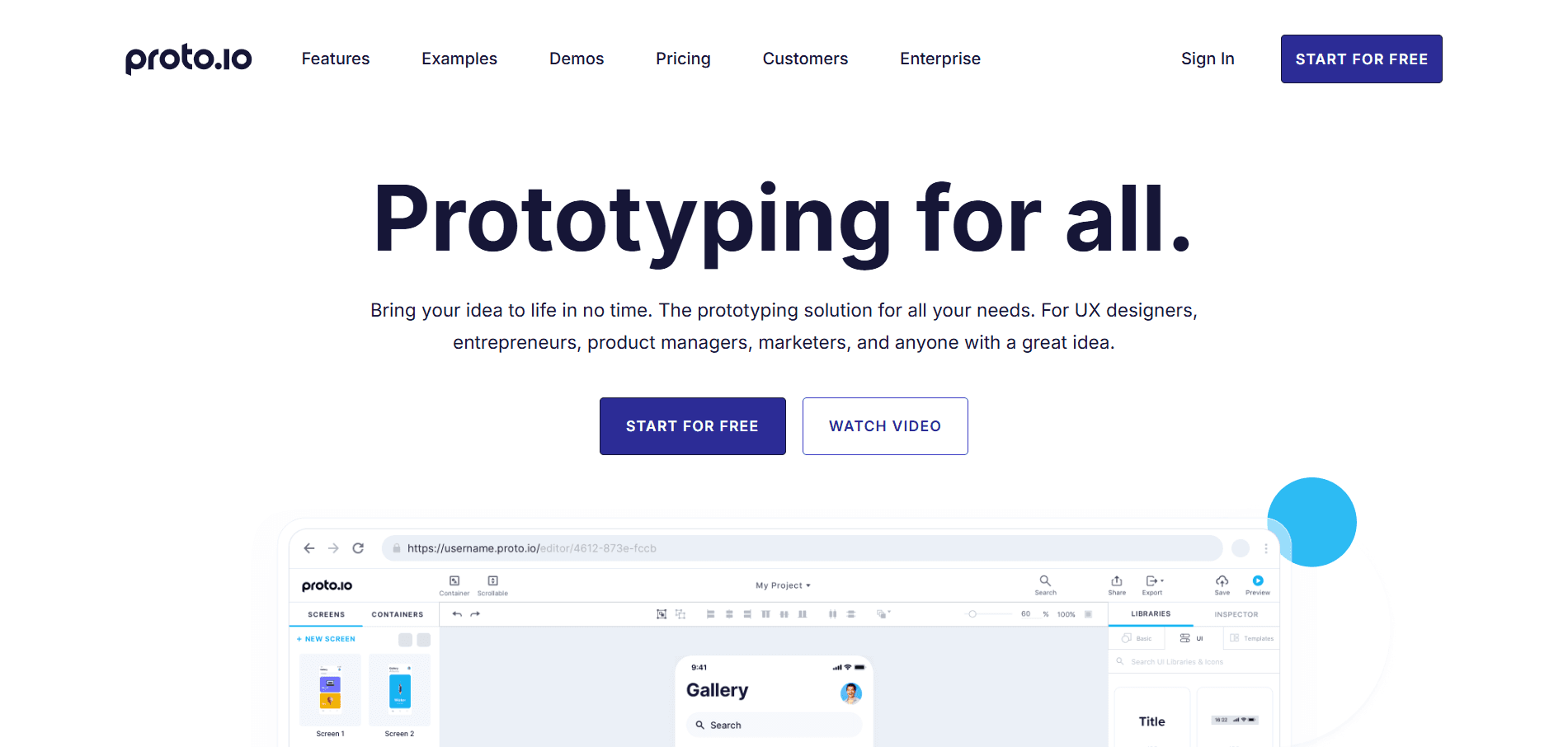
According to many experimenters, Proto is the best prototyping tool for UX designers, entrepreneurs, product managers, marketers and everyone. It comes with multiple powerful features, such as for building, prototyping, design, integrations, editor, collaboration and more.
It offers an impressively rich interaction and animation feature, so that you can build complex workflow, smoothly. The interactivity it offers, goes far beyond the mainstream prototyping tool, giving a feeling of finished product during user testing sessions.
Another helpful part of Proto is the built in UI component library, with hundreds of interactive and customizable UI items.
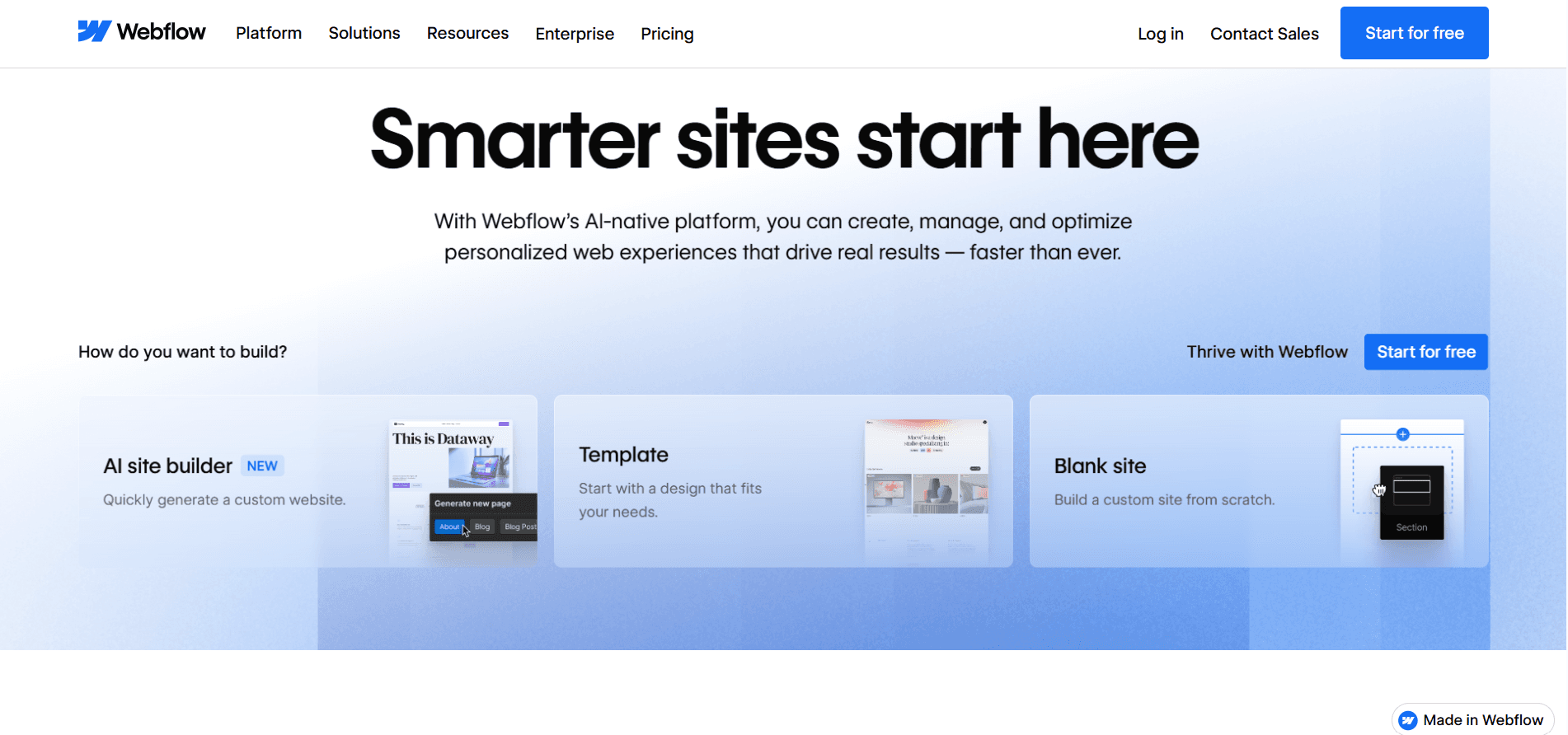
Webflow is a all in one tool, from design to prototype, to building, hosting, growing, all parts of a business can be done in this tool. Export anything, build in custom, the whole process is very fast, helping a idea to be production ready.
If we talk about Webflow from the prototyping perspective only, then its biggest advantage is the no code visual environment. You don't have to write any codes, just create fully responsive, interactive and animations related prototypes.
However, you will have access to reusable components, and you don't need to create separate files for designs, a very sorted platform.
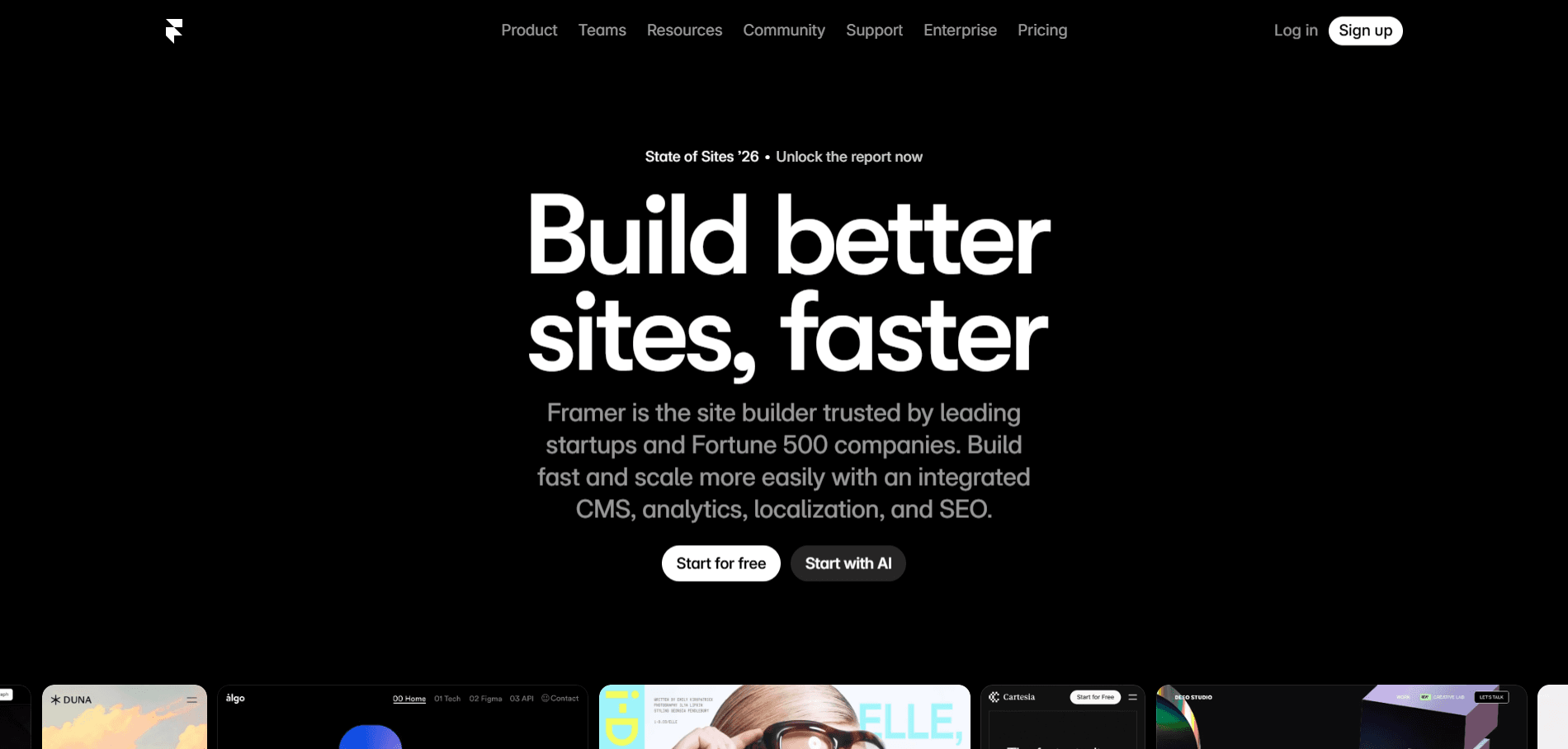
Starting as a code-based prototyping tool then step by step after many years, now a no code platform is what we know as Framer. You can fully built, reuse, customize components in Framer, and they behave like real UI elements, so the prototype feels like the real finished product.
However, you can import real production React components into prototypes, meaning the prototype and the final product can share the exact same building blocks.
If we compare Framer vs Webflow in the light of prototyping, then Framer is better for its high-fidelity and interaction because of its Figma like features. But if we directly compare, Framer vs Figma, then obviously Figma will be ahead in the prototyping perspective.
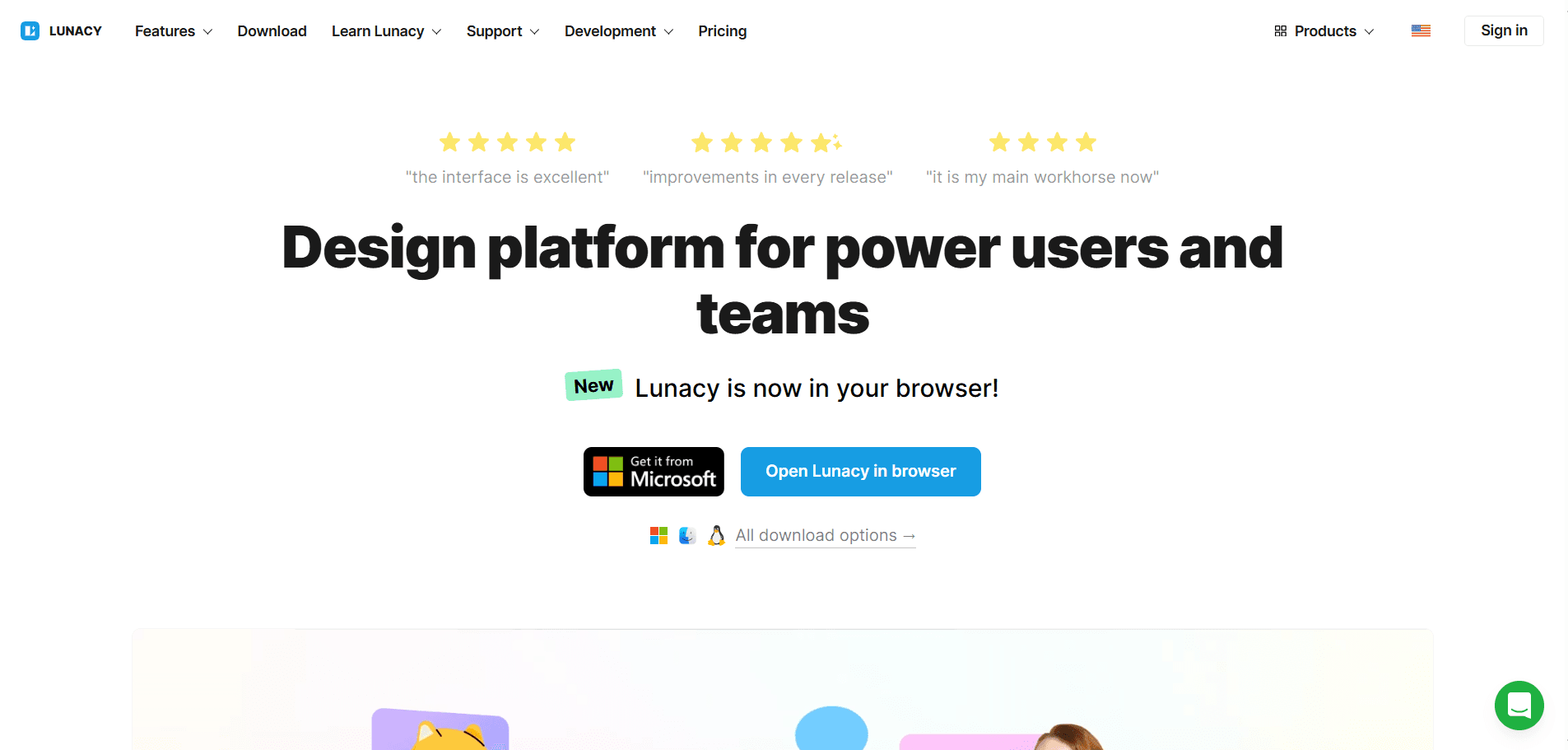
Lunacy is known as the best alternative to not only Figma, but also Sketch. Beside prototyping, Lunacy is also very popular for its Linked Design feature. One of the unique and best thing about prototyping in Lunacy is that they have detailed guide on it instructing people about it.
But upon experiment, we understood that prototyping in Lunacy is best for simple and quick work, and not for too high fidelity advanced work. In the race between Figma vs Lunacy, Figma is a clear winner for prototyping. But there is one advantage of Lunacy, that is, it works offline as well, so for urgent work you can use it.
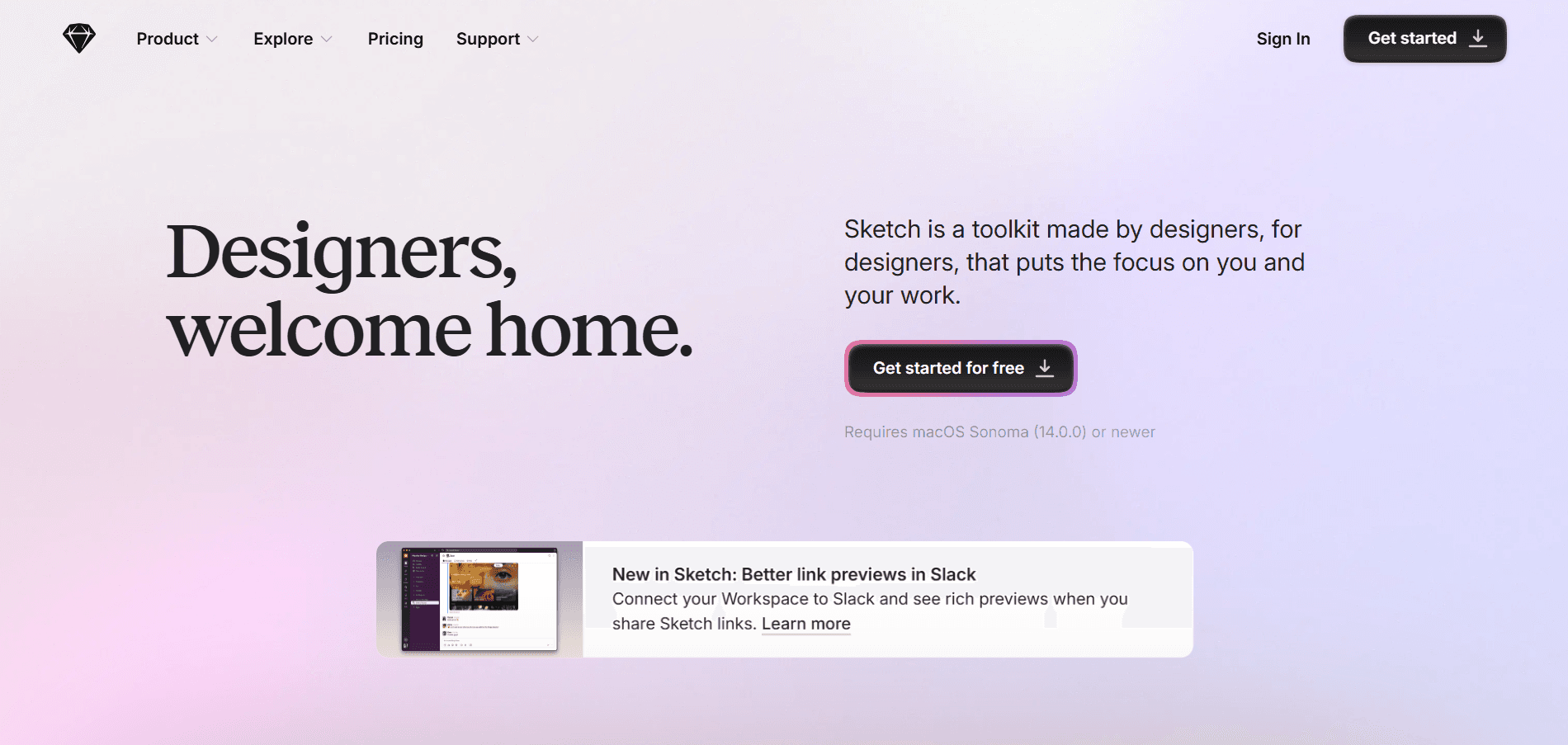
Sketch is the best prototyping tool for macOS users as it is designed primarily for them. It entered the market as a UI design tool, long time ago before Figma entered the market. But from prototyping perspective, right now, Figma is ahead in the game.
Sketch supports basic interactive prototyping features, and also comes with helpful integrations with other platforms. It is not a complete alternative to Figma, due to its limited and dated prototyping experience.
Teams who need a rich, collaborative, and handoff-ready prototyping, they should pick Figma instead of Sketch.
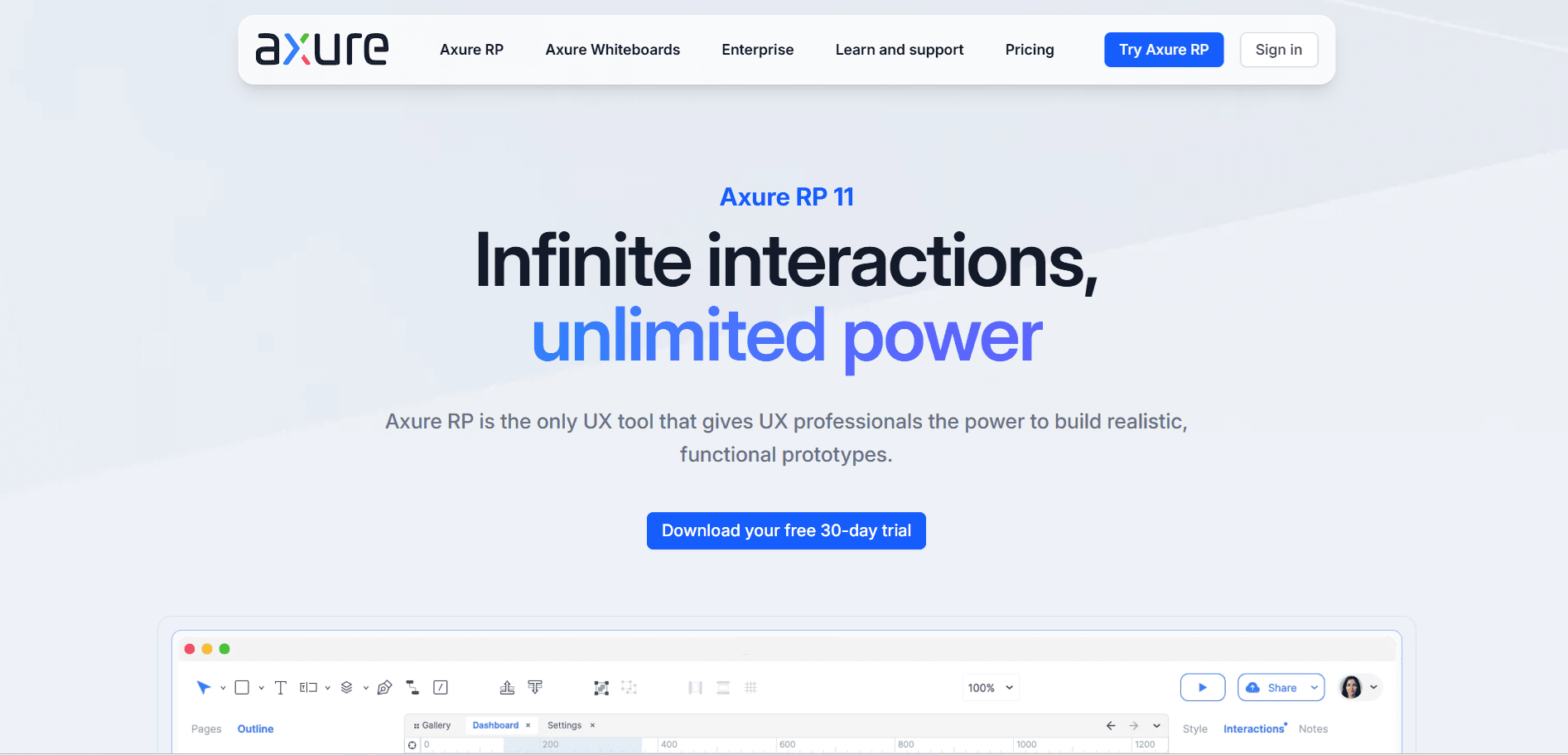
Axure is known as the powerful and dedicated prototyping tool in the market today. Some of its prototyping features surpasses Figma in many crucial areas. It offers deep functionalities than Figma, like real variables, if/else conditions, repeater widgets for dynamic lists, and multi-state components that behave like actual application logic.
However, the interface is older than Figma, as Figma's interface is very modern, clean and approachable. Real time collaboration is a little problematic in Axure then Figma. Teams who need deep functional prototyping, they should pick Axure.
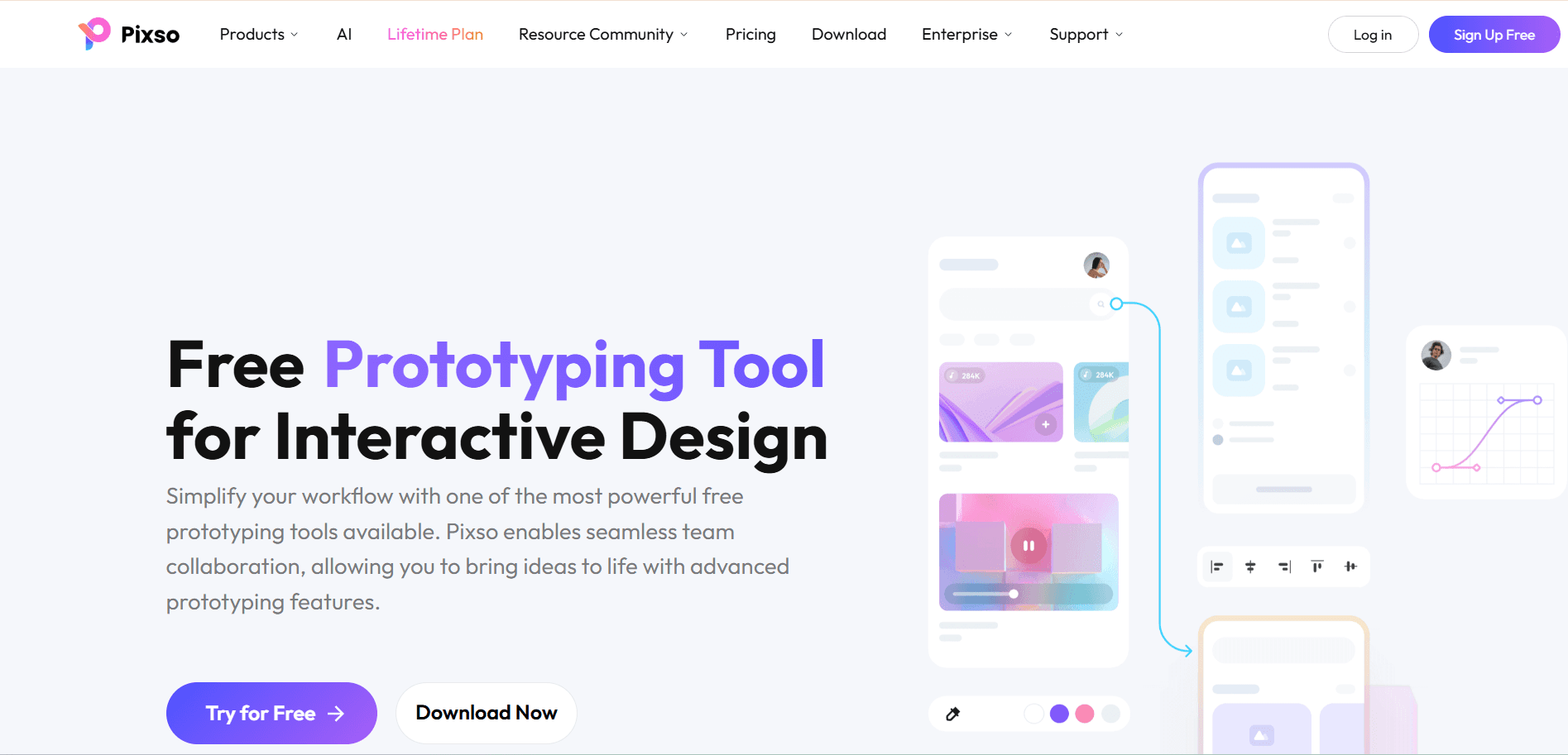
Pixso is known as the budget-friendly prototyping tool when compared to Figma. It comes with strong features of AI, but users says that Pixso is not yet mature like Figma. Though Pixso comes with high-fidelity prototyping options, real time collaboration features, but still Figma is ahead in the game.
No, directly none of the Figma alternatives are free to use, it comes with multiple pricing packages. Some of the packages are affordable and some of them are very costly.
Before finding out the best Figma alternative, you should know that it completely depends on your project complexity, team size and interactivity you want. However, Axure is best for complex, logic-driven prototyping, Framer for high-fidelity, code-powered interactions, and Proto is best for realistic mobile app simulations.
Hope you now know which Figma alternative in 2026 is best for you according to your business and team needs for prototyping. Figma will remain a strong prototyping platform, but it is no longer the only option for the designers. The best tool is simply the one that removes friction from your process and helps your team deliver better products, faster.
Upgrade to Grabui
Discover unlimited inspiration to help you Design fast. Build faster.


Share On


