Framer
A practical Framer vs WordPress guide for choosing the right platform by design, CMS, SEO, AI, cost, and eCommerce needs.
Author

Tarik Eamin
Publish Date :
Read Time :
16 Minutes


Framer
A practical Framer vs WordPress guide for choosing the right platform by design, CMS, SEO, AI, cost, and eCommerce needs.
Author
Tarik Eamin
Publish Date :
Read Time :
16 Minutes
Key Takeaways
Framer is best for fast, polished, design focused websites such as SaaS pages, portfolios, agency sites, and product launches.
WordPress is stronger for blogs, large content libraries, eCommerce, memberships, LMS platforms, and plugin based websites.
Framer offers a smoother design to publish workflow with lower technical maintenance.
WordPress provides broader control through WordPress.com, WordPress.org, themes, plugins, WooCommerce, and custom development.
Selecting between Framer vs WordPress can be confusing because both can build professional websites, but they are targeted towards different problems. If you pick the wrong website builder, then your site will become hard to scale, maintain and resign later for growth.
A Framer website might not be helpful if you need complex CMS or eCommerce features. However, a WordPress website can be slow or difficult to manage without right setup. Here we tried to solve your confusion by analyzing Framer and WordPress across design, CMS, AI, eCommerce and more.
By the time you complete reading this, you will understand which website builder is perfect for your project, Framer or WordPress.
Read thoroughly to get quick detailed comparison between Framer and WordPress including CMS, SEO, AI workflow, performance and much more.
Comparison Area | Framer | WordPress |
Platform type | Framer is known as the design-first website platform with visual building, CMS, hosting, SEO, collaboration, and publishing in one place. | WordPress comes with a broader website ecosystem. WordPress.com is a managed hosting and WordPress.org is a self hosted platform. |
Best for |
|
|
Website building style | Figma like visual canvas style building with the design to publish workflow. | You can build through the blocks, themes, templates, page builders, plugins using the managed hosting, or self hosted platforms. |
Coding | Framer is a strong no code visual builder. For low code it supports code overrides, custom React components, AI plugins and embeds. Developers can use traditional code through React components and code overrides but Framer remains very strict. | WordPress is not a purely no code platform. But best for low code and traditional code, you can build themes, plugins, blocks, custom applications, and advanced CMS features. |
AI role | In Framer, AI helps with layout generation, responsive page ideas, components, translation, faster design workflows. | The AI in WordPress supports AI website building, Jetpack AI content generation, image generation, AI plugins, and workflow automation. |
CMS | The CMS in Framer is good for blogs, case studies, portfolios, changelogs, resource pages, simple directories, and marketing content. | The CMS in WordPress is strong for blogging, categories, tags, editorial workflows, custom content structures, plugins, and large publishing systems. |
SEO | Framer comes with built in SEO features such as SEO markup control, indexing rules, redirects, sitemap, robots.txt, and other technical controls. | You can manage advanced SEO in WordPress through plugins, themes, hosting control, schema tools, redirects, internal linking tools, and custom development. |
Design flexibility | You get great visual control, animations, interactions, modern layouts, and fast iteration in Framer. | You get design flexibility via themes, block themes, Gutenberg, page builders, custom themes, and developer built design systems. |
E-Commerce | Not best for a full advanced ecommerce store management. | Best for a full advanced ecommerce store management through WooCommerce and more plugins. |
Blogging and publishing | Well known for small to medium blogs, case studies, changelogs, and startup resources. | Best for serious blogging, large content libraries, editorial workflows, multi-author publishing, multiple categories, and SEO content hubs. |
Maintenance | Framer comes with lower maintenance features because hosting and platform infrastructure are managed. | WordPress requires updates, hosting, backups, security, plugin compatibility, and optimization making it high maintenance. |
Learning curve | Framer is very easy and fast to learn and manage, and anybody can do that. | The learning curve of WordPress is a more complex with plugins, themes, low code and traditional coding. |
Localization / Multilingual | Framer offers AI Translate and localization related tools and plugins. | Framer offers multilingual workflows using plugins, tools, AI translation content tools, and custom setups. |
So, Framer is the best choice when your website is design and marketing asset, and WordPress best when your website is a content, commerce, or business system.
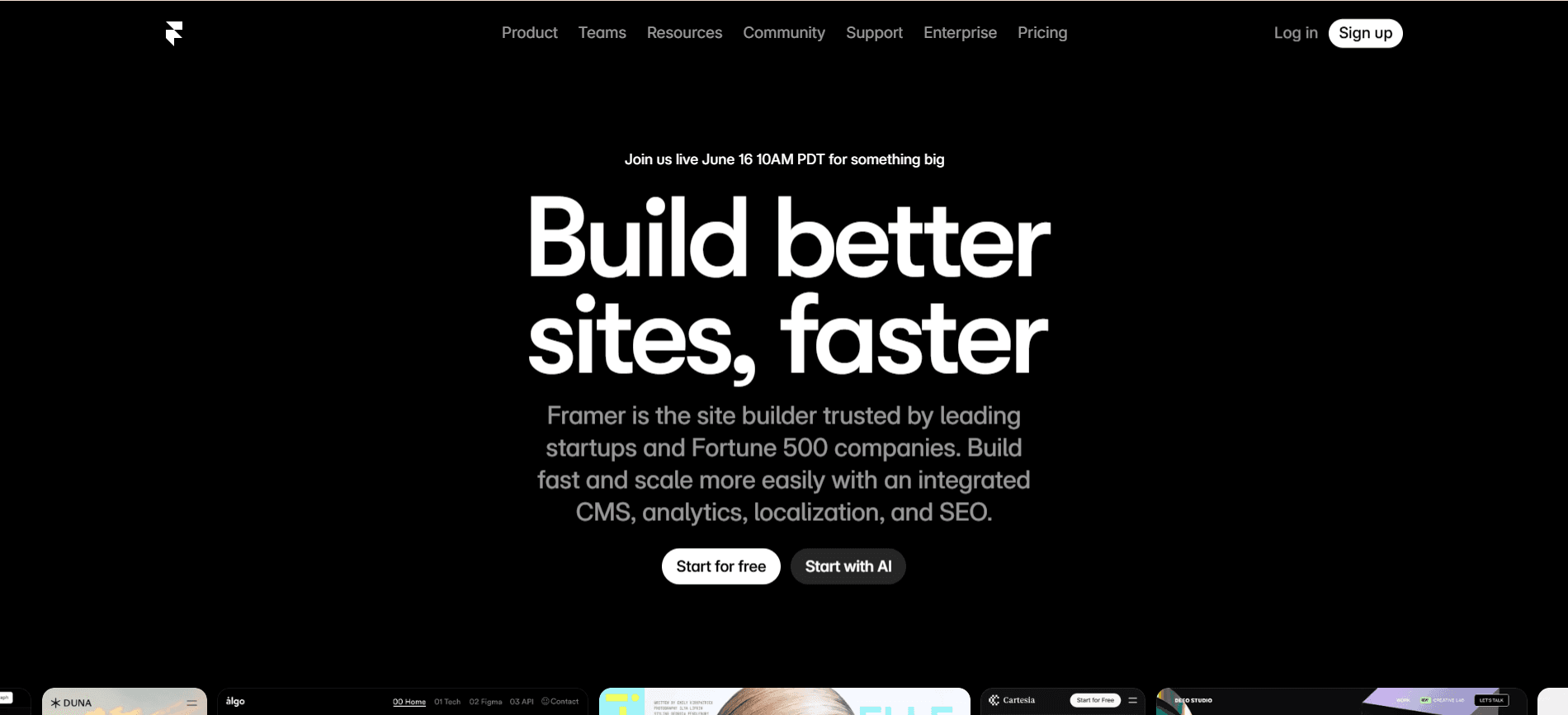
Framer, the visual website builder is for the founders and teams who wants to design, build, and publish websites without traditional coding. It serves you with design and building in one with through visual design, CMS, hosting, SEO, analytics, localization, collaboration, templates, and AI tools in one place. The best no code platform for UI/UX design and web development in the market, connecting design decisions to live website, directly.
Framer is best for the marketing websites, such as SaaS websites, startup landing pages, portfolio websites. And the list goes on to agency websites, product launch pages, design-led business websites, modern template based websites, and simple blogs.
But remember, don't treat Framer just as a simple no code website builder, because it tries to reduce gap between design to publish a website. The strongest value Framer provides is to reduce design, iteration, time, cost issues for launching your business.
The WordPress ecosystem comes with self hosted WordPress.com and WordPress.org which is a managed hosting WordPress platform. WordPress is more complex than Framer, it is a low code and traditional code maintained website building platform not purely no code. You can configure it according to your needs and wants, such as a website builder, content management system, eCommerce platform, or any custom development framework.
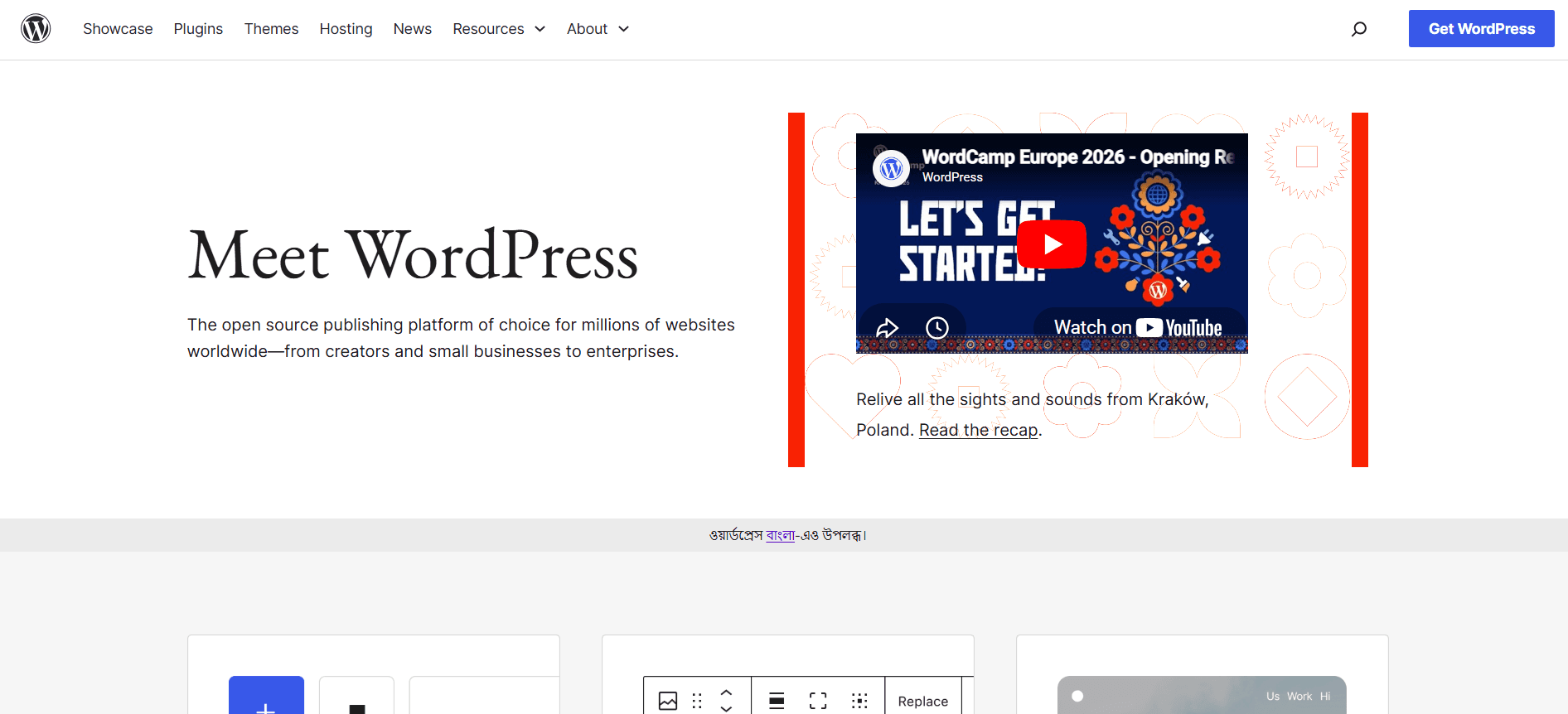
WordPress.org is the open source WordPress software, where you can download and install it with an external hosting provider. And you get to control hosting, files, themes, plugins, code and database level flexibility with it.
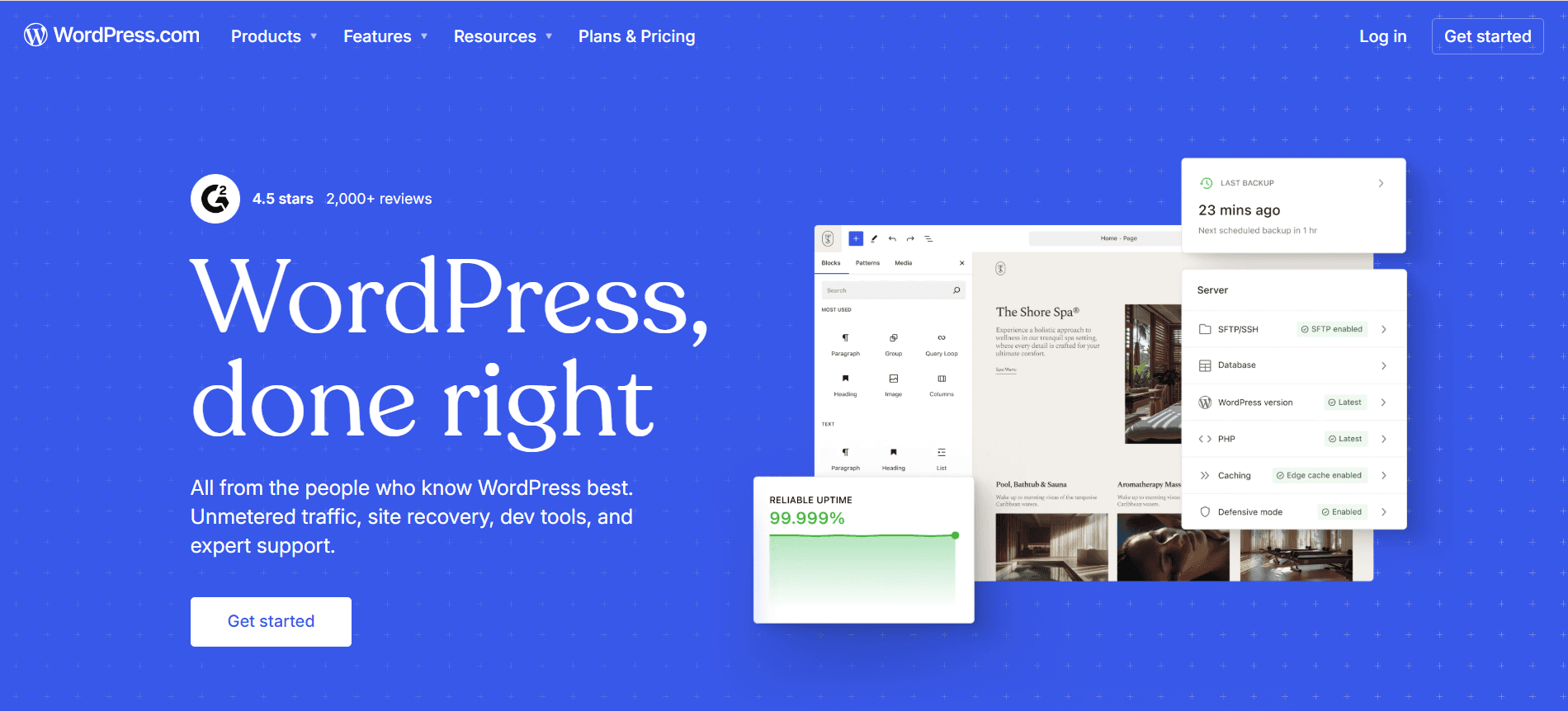
On the other hand, WordPress.com is self hosted, including hosting, plans, support, tools, themes and plugin access according to your plan.
WordPress is best for blogs, content-heavy websites, business websites, news and publishing sites, eCommerce stores, membership sites. Then technical heavy digital experiences like LMS or elearning websites, directories, affiliate websites, custom CMS projects, and websites needing plugins or integrations.
Beginners find WordPress a little confusing because it can be simple, managed, low coded, or highly technical with traditional code depending on the setup. Ask yourself that whether your website needs heavy content management, custom workflows or long term technical controls, if yes, then WordPress is the strongest foundation.
There are three important similarities between Framer vs WordPress, let's find out.
Both the website builders can build professional websites, which are responsive and SEO ready. And both of them support custom domains, template based designs, visual editing and third party integrations.
Framer and WordPress, both can be used by non developers, such as founders and marketers as the workflow is built to design and publish from same place. Non technical teams are able to create pages, adjust layouts, manage content and publish without doing traditional coding.
Both needs serious strategy to work on and create a successful website. It needs strong copy, content, strategic UX, fast page speed, mobile responsiveness, trust signals and more.
Despite the fact, which website builder you are using, well planning is a must, matching the purpose of your website.
Despite other major differences, here are three core differences between Framer vs WordPress, let's find out.
The main difference is the starting point because Framer uses a design first approach, made to create polished pages, refine layouts, communicate the goal visually.
In Framer, you don't need a separate hosting provider or manage plugins and configure the CMS stack. And, in the WordPress ecosystem, only the WordPress.com is hosted and managed, but WordPress.org is self hosted, so you have control over hosting, files, themes, plugins and code. But, the managed WordPress will reduce your technical burden while keeping flexibility.
Framer is the good choice for simple marketing sites, but WordPress is the best choice for complex systems in digital experiences with custom advanced features.
You should pick Framer if your priority is to launch fast, polished and low maintenance websites. But, if your priority needs websites which needs deeper content management, integrations or custom functions then pick WordPress.
Due to AI becoming a crucial part of the modern website builders, it changes how you plan, design, write, optimize and maintain websites. You don't need to start from scratch now, you can generate layouts, write content, create images, automate repetitive tasks of production and more with AI.
Framer AI is useful to create design leading websites, supporting faster layout, responsive page generation, creating advanced component and AI plugin workflow, and etc. In short, if you need to move quickly from idea to visual direction for your website, then Framer AI will give you the speed you need.
Compared to Framer, WordPress AI is broader, but it's more fragmented as WordPress is an ecosystem than one single product experience. WordPress.com comes with AI website building and AI assistant features layouts, pages, content, images, and design suggestions, and more, best for content heavy workflows. Also, you can use Jetpack AI Assistant to generate blog, posts, lists, tables, titles, summaries and get grammar suggesting in WordPress.
Remember, AI can speed up your website production but can't replace your strategy making decisions. WordPress and Framer, both needs your judgment for brand positioning, UX, accessibility, conversion copy, accuracy in facts and more things, your must review everything before publishing.
Design and visual editing comes with big differences between Framer and WordPress. Framer lets you to build with direct visual control, while WordPress gives you design flexibility with themes, blocks, page builders and custom development.
In the design sector, Framer wins if speed, visual polish and design control matters the most to you. You can start directly on a visual canvas, refine layouts, create animations, apply interactions, and publish easily.
For SaaS landing pages, portfolios, agency sites and product launch pages or campaign pages the visual experience matters for conversion strategy, so Framer is best for that. If you need fast iteration, Framer will reduce friction for you because updates happen inside the same design led workflow.
In design, WordPress wins when design needs to be connected with a wider digital system. You can use themes, block editing, page builders, plugins, and do custom development to make your perfect design in WordPress.
In short, you can make WordPress highly simple or advanced depending on your setup. But, quality WordPress design depends on tools and themes you are using with your skills, and it requires high maintenance.
Let's get to know about the CMS and content management differences in Framer and WordPress.
Framer CMS is known as the design first CMS which works best for blogs, case studies, changelogs, resource libraries, portfolios, team pages, directories, and landing page collections. In short, where the content supports marketing rather than becoming a large editorial operation, Framer CMS is like that. The advantage of Framer's CMS is its simplicity, no complex backend, easy workflow such as syncing content from external tools or exporting content when needed.
WordPress CMS is a clear winner if your business revolves around heavy content, publishing, posts, pages, categories, media, editorial workflows, plugins, custom content structures and more. You can organize roles such as Administrator, Editor, Author, Contributor, and Subscriber making it more suitable with multiple content responsibilities for long term growth.
Let's get to understand how each of these website builders help ecommerce businesses and founders.
You will get eCommerce style pages in Framer but it won't be the strongest choice if you want to run a full eCommerce store. Framer comes with the strength in product presentation such as landing pages, product launch pages, SaaS pricing pages, pre-order pages and brand product storytelling. The goal of Framer is to build a beautiful front end experience for your website, but Framer is not the primary option for eCommerce operations.
WordPress is best for full eCommerce stores management due to WooCommerce, the open source commerce platform for WordPress. It will provide you with control over checkout, data, payments, features, costs, and hosting, and more. The WooCommerce will support your physical products, digital products, local or global selling, payment options, shipping rules, product variations, tax settings, customer accounts, and extensions, etc.
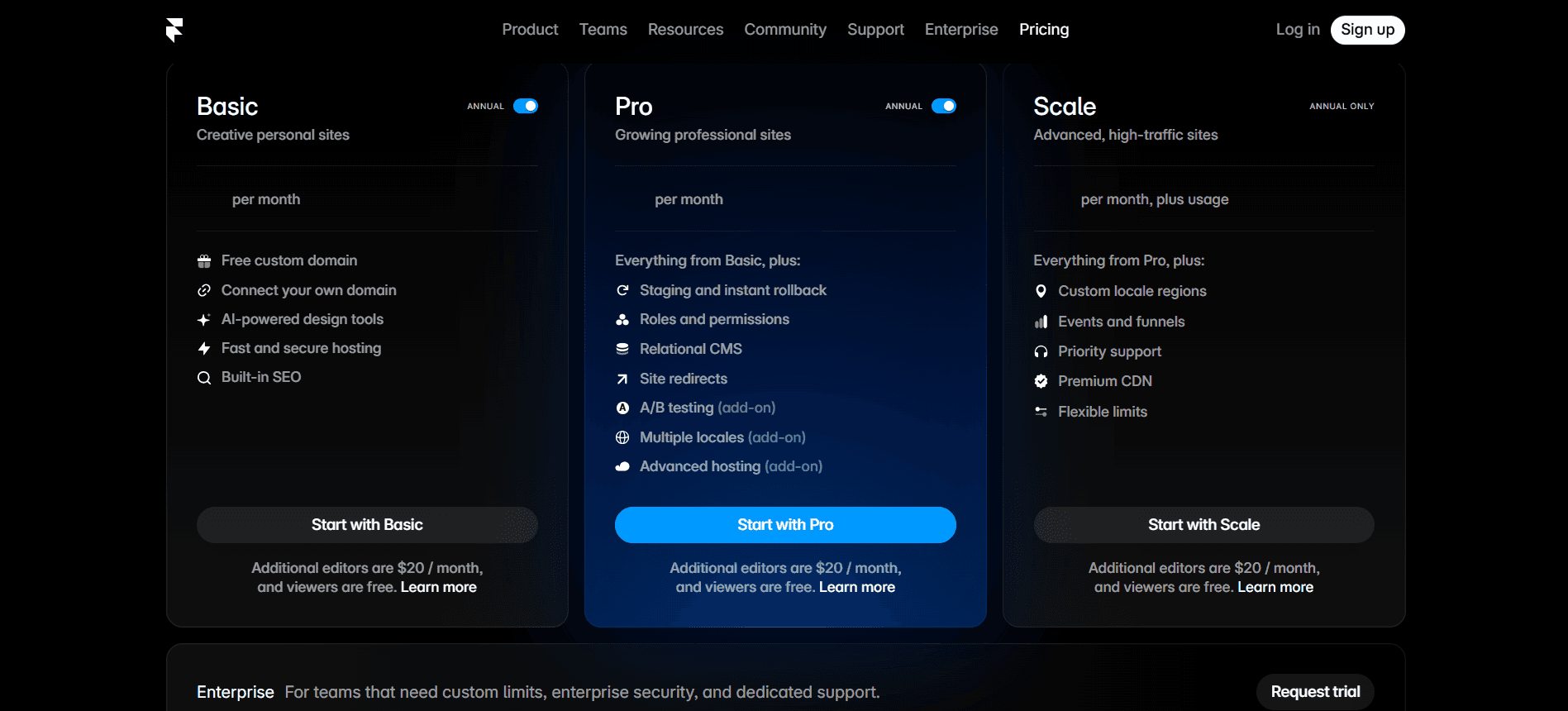
Framer comes with Basic, Pro, Scale and Enterprise pricing options, hosting and core website infrastructure are included in the platform.
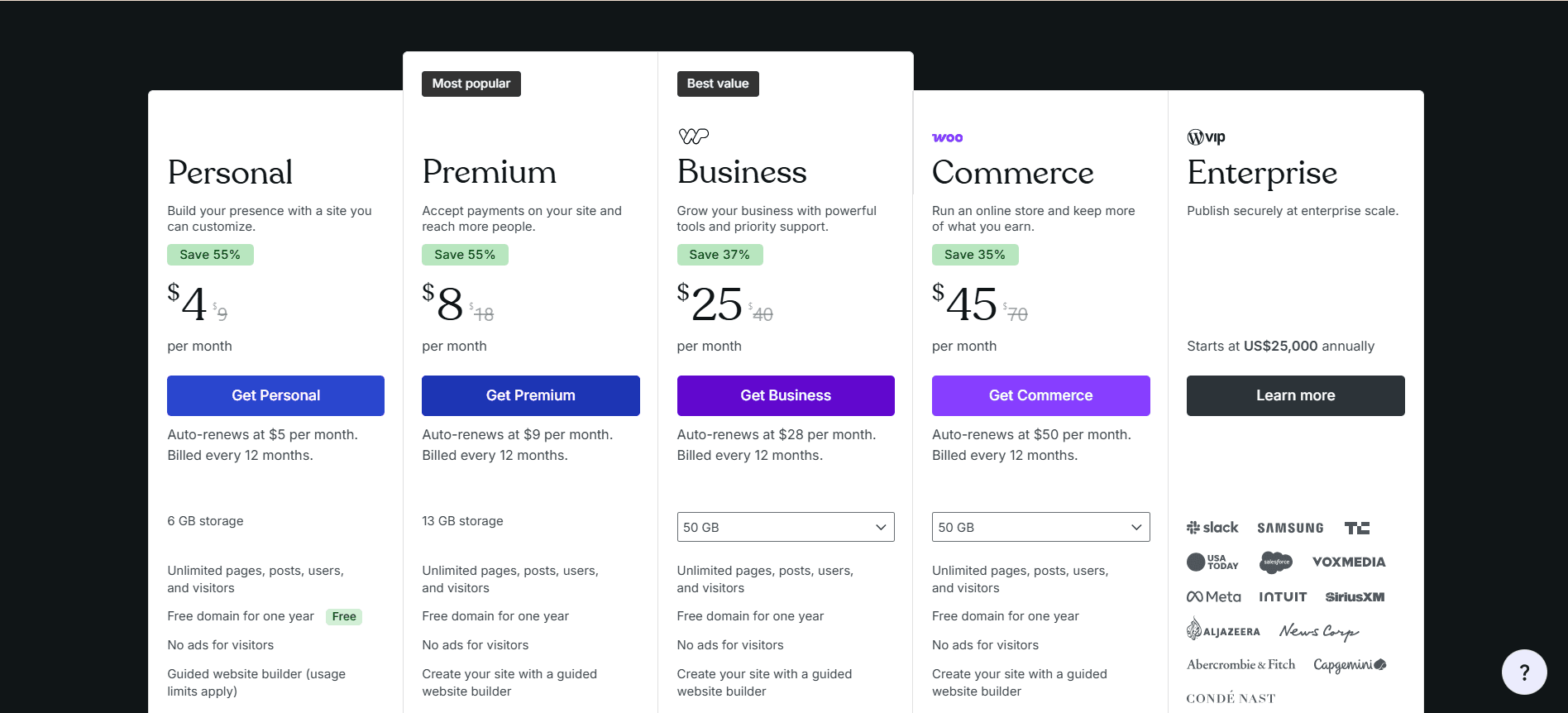
WordPress.org is a free self installation software, and for that you have to purchase separate hosting and domain. WordPress.com comes with Personal, Premium, Business and Commerce pricing plans and the features varies by billing cycle and plan level.
Framer is much better for design focused websites, and landing pages. But, WordPress is better if your website needs deep CMS control, plugins, eCommerce, memberships, or complex functionality.
Yes, WordPress is better for blogging than Framer because it handle serious and stronger projects. It comes with category structures, tags, user roles, SEO plugins, scalability options for larger content libraries. And, on the other side, Framer works best for simple blogs and case studies only.
Framer can replace WordPress in some cases only, such as for many marketing websites, startup sites, portfolios, agency websites, and landing pages. But it is not a full replacement if your website needs complex CMS structures, eCommerce, memberships, LMS features, advanced plugins, or custom backend functionality.
When the debate is about Framer vs WordPress, its not about them being their alternatives, because both have different purposes. You must know your project type, requirements and wants, so pick Framer or WordPress accordingly. Pick Framer for fast and polished marketing websites, and WordPress for content heavy, commerce driven or functionality heavy websites.
Upgrade to Grabui
Discover unlimited inspiration to help you Design fast. Build faster.


Share On


