Resources
A practical review of the best vibe coding tools for UI, SaaS MVPs, prototypes, production code, and hosted app building.
Author

Tarik Eamin
Publish Date :
Read Time :
8 Minutes


Resources
A practical review of the best vibe coding tools for UI, SaaS MVPs, prototypes, production code, and hosted app building.
Author
Tarik Eamin
Publish Date :
Read Time :
8 Minutes
Key Takeaways
v0 is best for frontend UI and SaaS screens.
Lovable is strong for quick MVP validation.
Cursor helps clean and improve real codebases.
Claude Design and Claude Code supports product thinking and development.
Bolt is useful for fast browser-based experiments.
Replit Agent works well for beginners needing hosting.
Making anything with AI feels fast in the beginning, but if you pick wrong tools then you get messy codes, broken responsiveness or prototype and weak copy. And this is what people are facing when they are working with vibe coding to build apps or websites, etc.
Vibe coding tools like v0, Lovable, Cursor, Claude Design, Claude Code, Bolt, and Replit, will help you to solve different problems. Some might be best for MVPs, or cleanup or hosting, so knowing them in detail is necessary.
Keep reading to know about each tool's use case, strengths and limitations before investing time in your next creation.
Check out the detailed reviews of the 6 most used vibe coding tools in 2026 and pick the stack that helps your workflow.
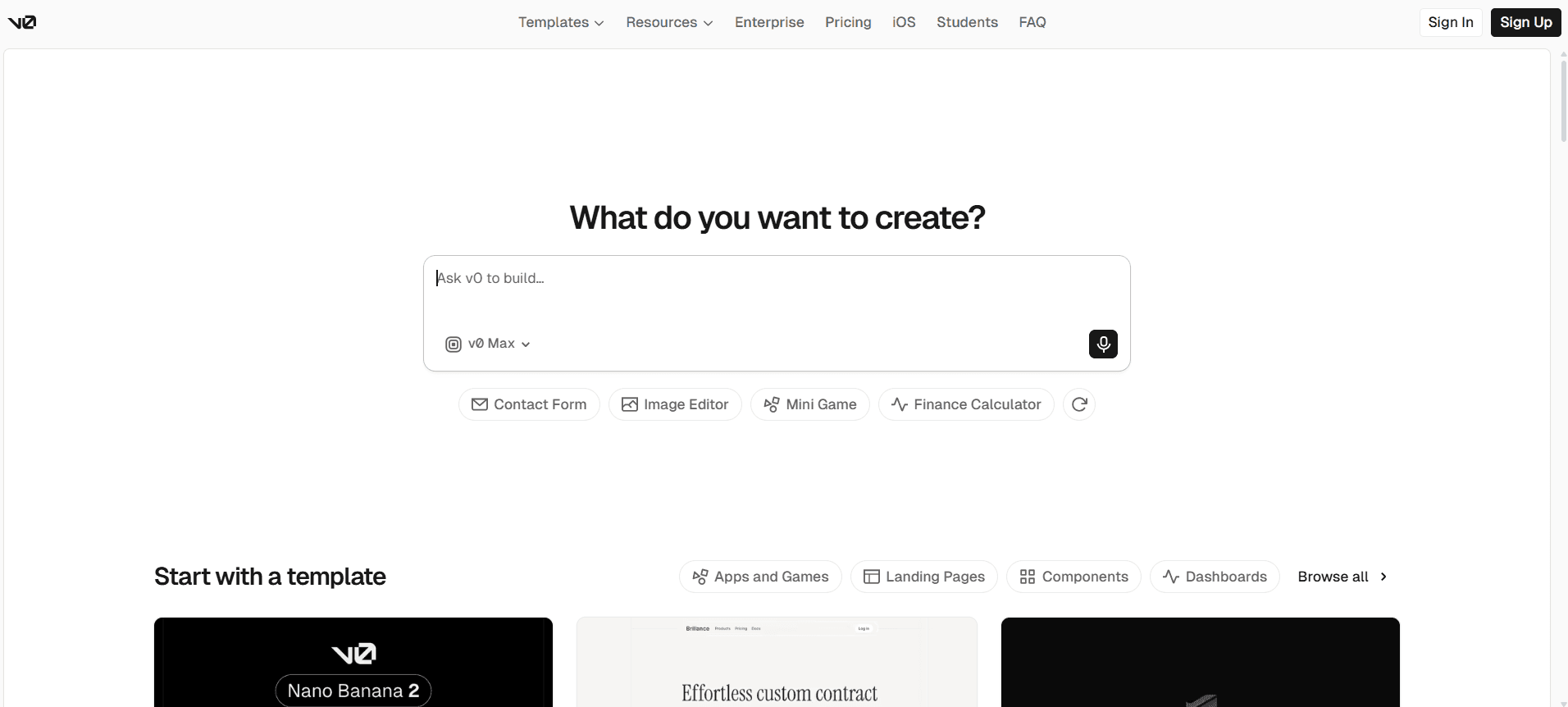
v0 by Vercel is a popular AI powered interface and app building tool built for frontend heavy digital experiences. It is best for designers, frontend developers, SaaS teams and agencies who wants to test their ideas quickly, by easily describing and generating. You will get best result, if you use v0 to create a clean first draft of your product visual experience. v0 focuses on design layer, hierarchy, cards, dashboard patterns, pricing sections, forms and most importantly responsive UI.
Shift your UI ideas into a deployable interface by reducing frontend working time drastically.
Convert your screenshots, mockups, Figma ideas into a real working code for faster output.
Your development outputs will be easier due to Next.js, Tailwind, and Shadcn.
No rewriting needed manually as Design Mode refine spacing, visuals and layout.
Easily manage production development workflow due to GitHub integration.
You will get API and database connection making it advanced than the simple UI generators.
You should use v0 if you want frontend quality and speed. It's not an alternative for product thinking, you can turn your rough ideas into usable frontend direction.
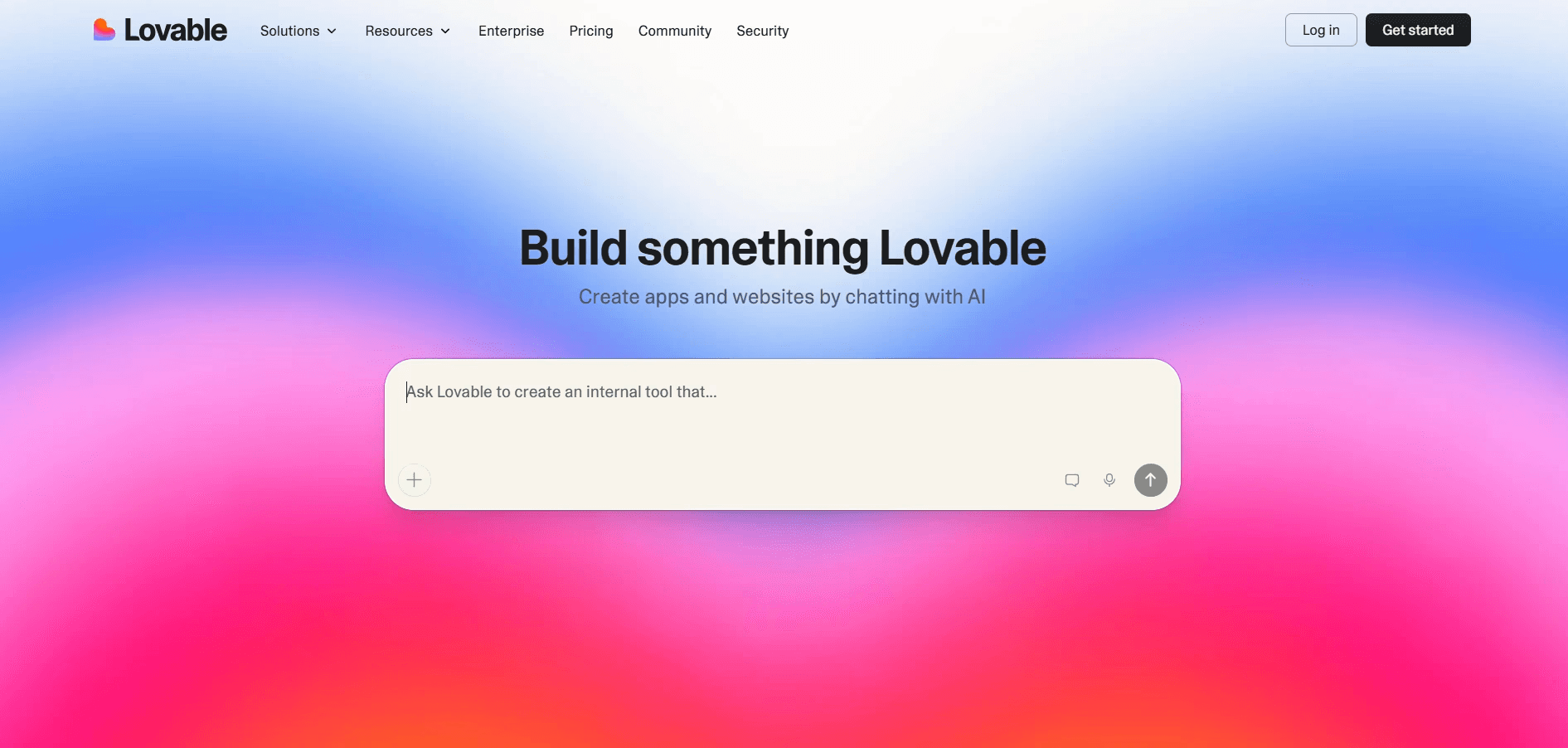
The trendy vibe coding tool Lovable helps you to turn product ideas into working digital experiences with natural language prompts. With its native Supabase integration, you can manage frontend UI and backend database work through the one chat based workflow. It is best for non technical founders, SaaS builders, start up founders, and agencies who wants to create MVP demos for clients. Use Lovable for working on user flows, authentication, databased structure, forms, dashboards and basic product logic.
You can build frontend and backend together saving time to move from idea to MVP faster.
GitHub sync will give you code ownership, backups, pull requests, and local development options.
The Lovable Cloud handles hosting, SSL, backend infrastructure, deployments, and environment management, so be worry free.
You will get the built-in security scanning helping you to detect API keys, database issues, and common vulnerabilities.
The visual editing and live previews will make your product iteration easier.
With AI connectors you can add chatbots, summaries, document Q&A, translation, and automation features.
Pick Lovable, as it's the strongest tool for validating digital experiences before committing to full production development saving time. But remember, you still need UX review, security checks, code cleanup and production thinking after generating with Lovable.
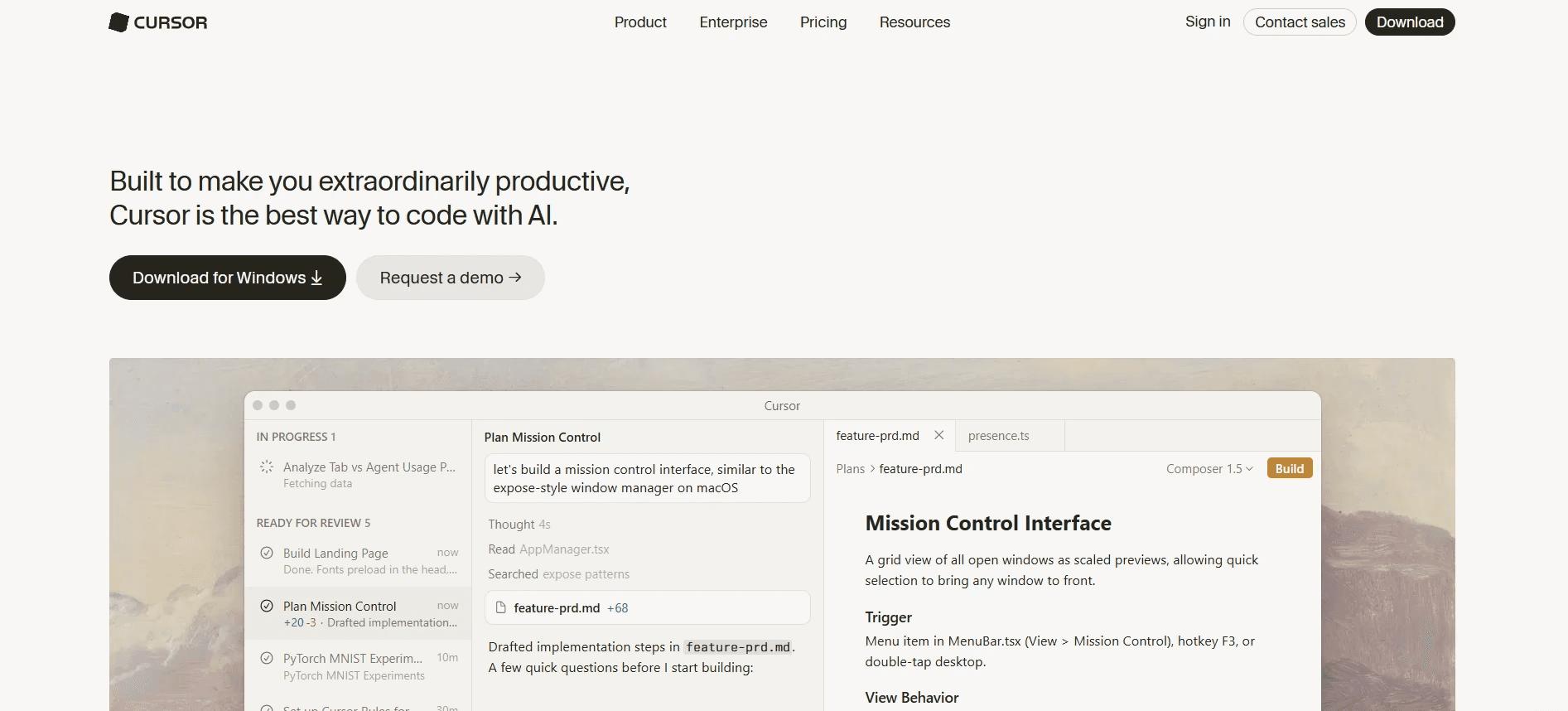
Cursor, the AI native code editor works inside real codebases being a helpful source for developers and technical teams. It's known as an agent native coding vibe code builder helping you to make faster software with AI assisted development. The cleaning, improving, debugging, or extending actual code features makes Cursor best for developers, founders, product teams and agencies. Better if you use it after building something with Lovable, v0, or Bolt and then cleanup with Cursor for fixing things.
It understands project files deeply so you can edit real codebases with better context.
The agent workflows support larger changes, refactors, bug fixes, and implementation tasks.
Multi-file editing will reduce repetitive manual updates across components, routes, and utilities for you.
The tool's testing and linting support make AI edits safer when your clear validation signals exist.
It will help you the most if you use it for production cleanup than prompt based first draft making.
In today's world building and launching something to the audience without cleanup, debug, restructuring or fixing the mess means a failure. So, Cursor is the tool, which will make your product ready for launching or other final work before launching, making it very essential.
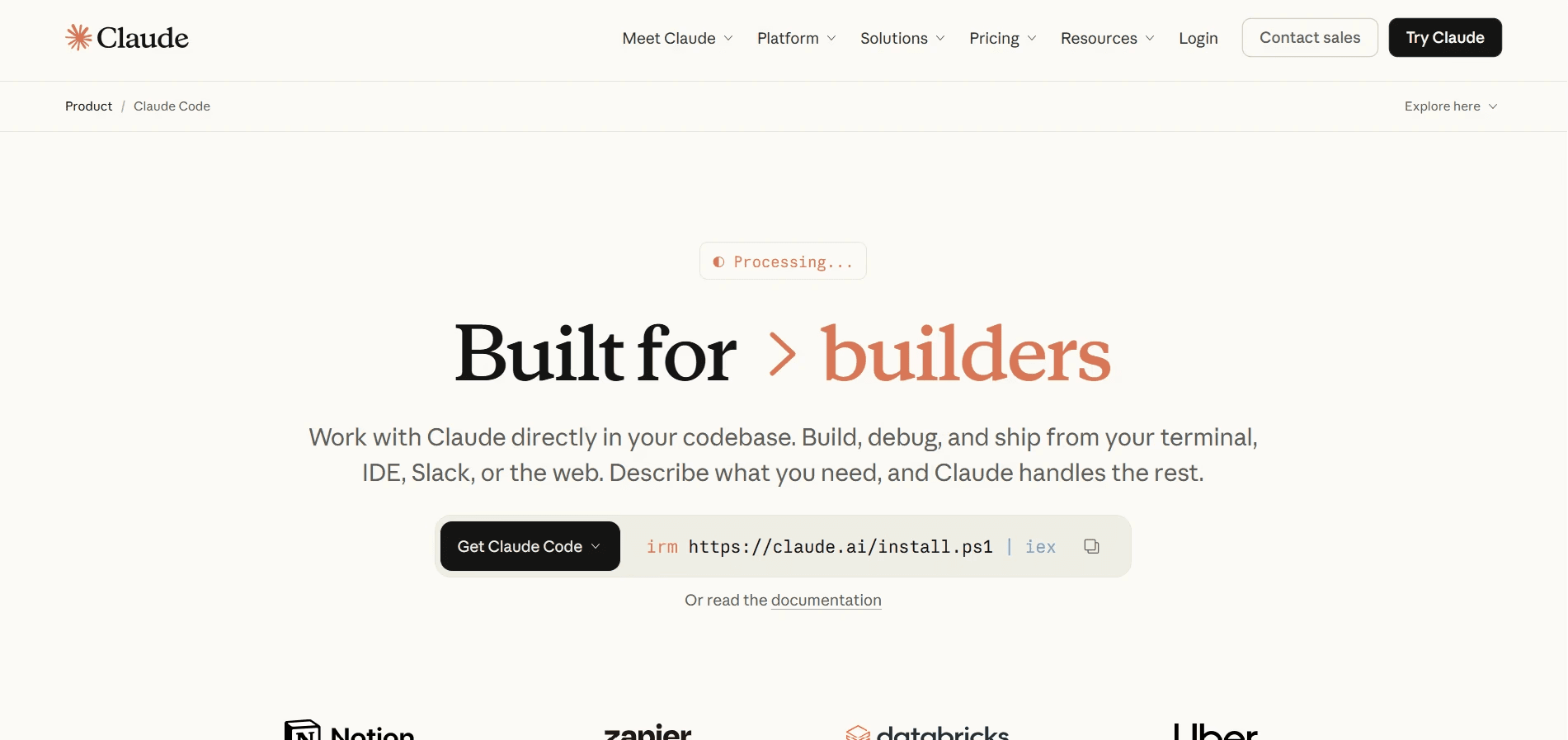
In today's marketing, Claude Design and Claude Code are the best go to pairs for building. Claude design will help you create design concepts and visual work through conversational workflow easily. According to Anthropic, it can read codebases and design files for building the team design system, and automatically use colors, typography and components for projects. Whereas, you can use Claude Code for the technical part, as it is made for codebase work, file editing, command execution and agentic development workflows.
It's a great combination for senior designers, founders, product strategists, agencies and all the teams that needs to think and build a product. You will get deeper value from this combination such as product reasoning, design structure, UX direction, content logic, prototyping and coding execution.
Claude Design will help your product ideas to turn into prototypes, presentations, and visual explorations conversationally.
The design system awareness will you to keep the colors, typography, and components more consistent.
Understanding of codebases, edits files, commands, and support development workflows of Claude Code will make your work easier.
The GitHub Actions support will let you to request fixes, reviews, or do PR work using mentions.
Best if you want to turn the UX thinking into implementation plans before touching production code.
Pick the Claude Design and Claude Code if you start your workflow with product thinking, UX structure, and design judgment. The tools will give you best output when you explore concepts, need clarity for flows, prepare prototypes and move toward stronger context.
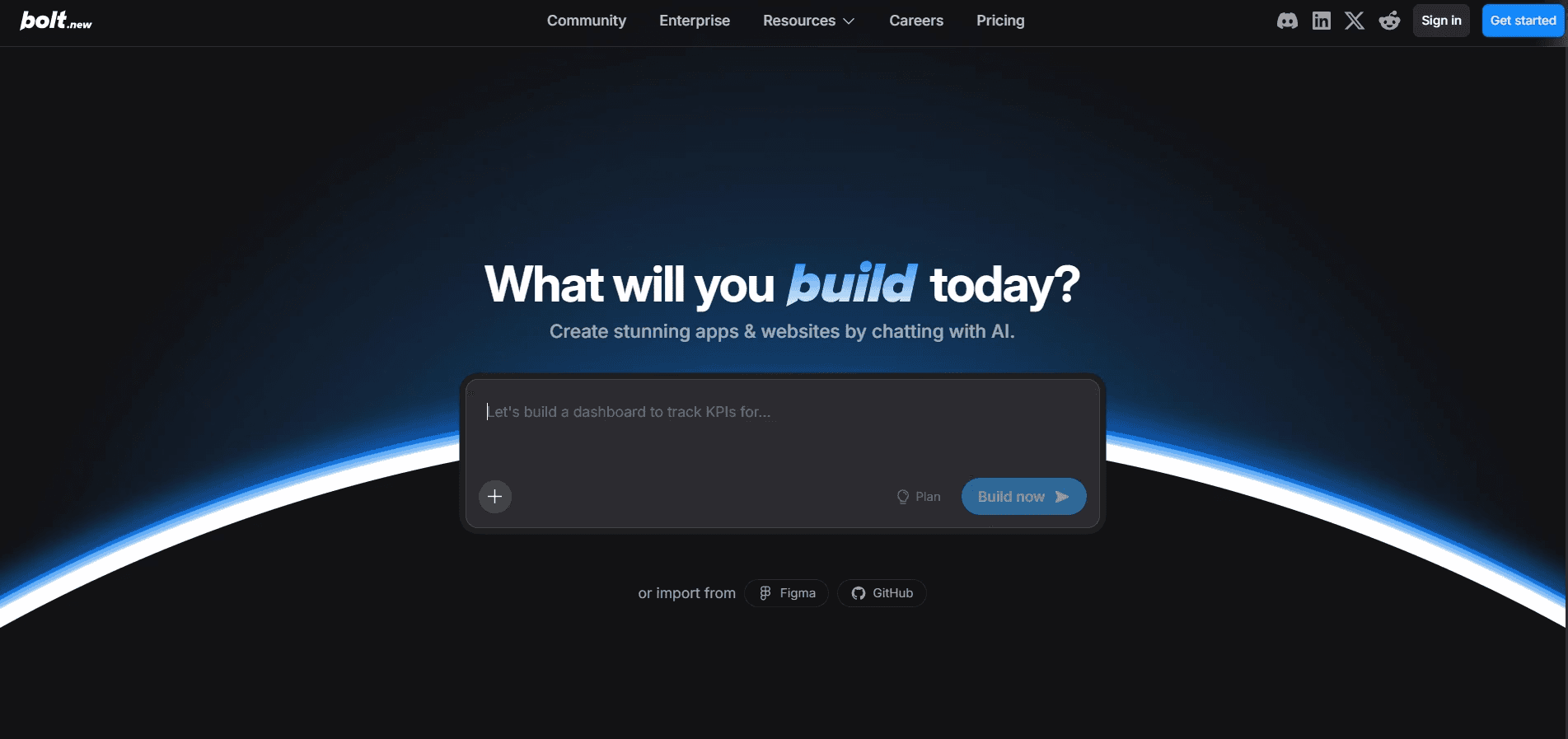
Bolt from StackBlitz is the full stack web development vibe coding tool. Through it, you can prompt, run, edit and deploy full stack digital experiences with no local setup required. It's best for founders, indie hackers, developers, students, and agencies who wants to test ideas quickly without wasting time and big budget. It will best help you when you want to build a proof of concept, test an API idea, create a small tool, or validate whether a workflow can function.
You can run full-stack projects in your browser, removing local setup and dependency friction.
Helps you to generate, inspect, edit, test, and deploy inside one workspace.
It's very strong for quick proof-of-concepts where technical feasibility matters more than polish.
It will give you more direct control than fully guided no code style app builders.
Pick Bolt.new if you want to experiment a fast full-stack experimentation, but not finalizing the product for launching.
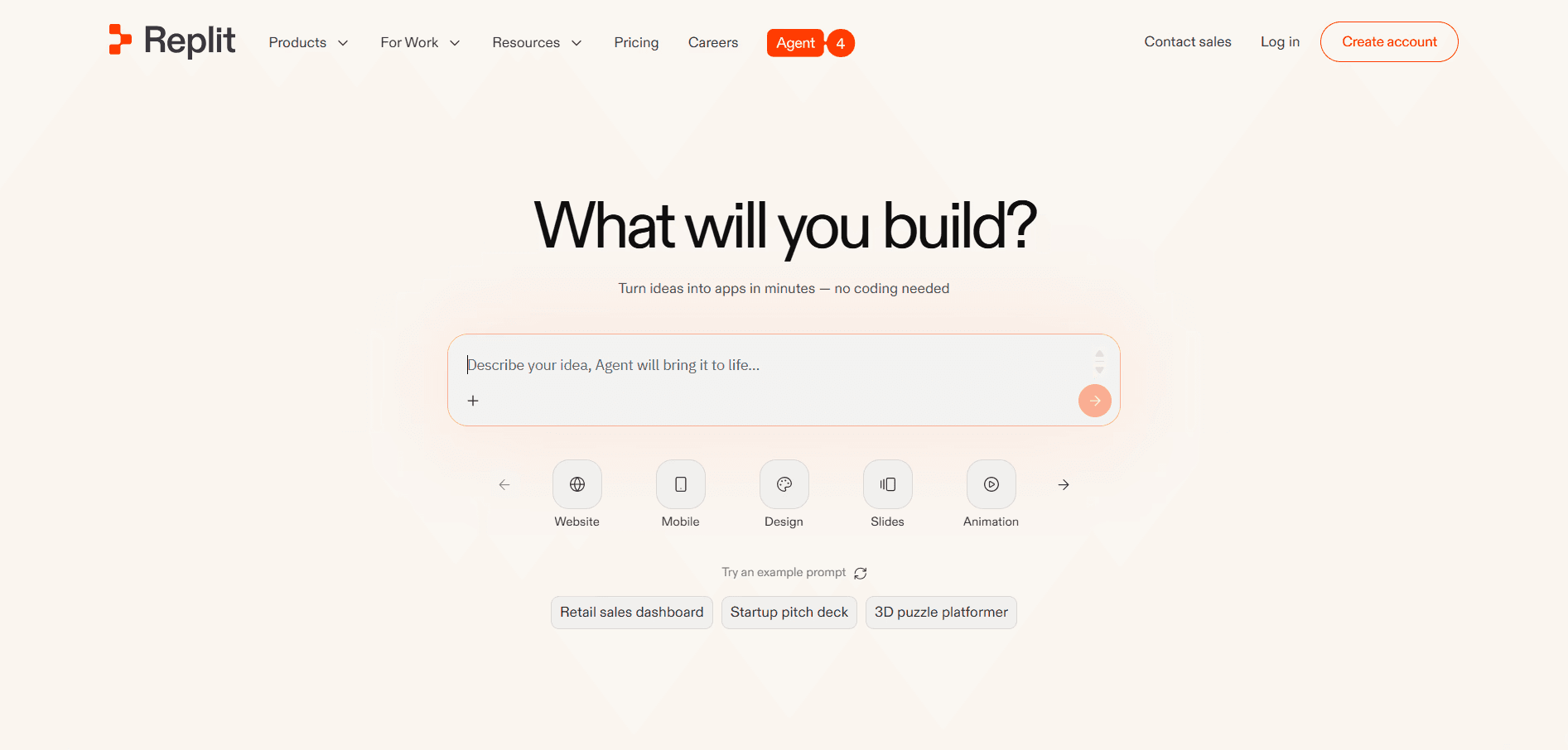
Replit helps you to describe an app or website idea, and then the agent build and publish it. It has built in services such as authentication, database, hosting, and monitoring, reducing the need to connect multiple tools manually. It's best for the beginners, students, solo founders, indie makers, and small teams for building through a simple chat.
You can build apps and websites from plain language without technical setup knowledge.
The cloud development environment will remove local installation, configuration, and machine dependency problems for you.
Production databases separate live user data from development experiments for safer iteration.
The built-in monitoring will show you logs, resource usage, analytics, and published app behavior.
Pick Replit to have a simple conversation to share your idea and requirements then turn it into a live website or app.
At minimum, check authentication, role-based access, database rules, API key exposure, environment variables, form validation, dependency risks, and user data permissions. Lovable’s security docs mention built-in scans for API keys, database access, dependencies, and vulnerabilities, but independent reviews still warn that Supabase row-level security and auth flows need manual checking. Do not publish apps with sensitive user data until these checks are done.
Use v0 when the main task is frontend UI, React components, landing pages, or dashboards. Use Lovable when you need a SaaS-style MVP with frontend and Supabase-backed data. Use Bolt.new for browser-based full-stack experiments. Use Cursor or Claude Code when you need to inspect, refactor, debug, or improve an existing codebase instead of generating a quick first draft.
Use version control, checkpoints, branches, tests, and manual review. Cursor’s own guidance says AI-generated code can look correct while being subtly wrong, so developers should read diffs carefully. Replit Agent creates checkpoints while working, allowing rollback to previous states. Claude Code also asks permission before file changes or command execution. For serious projects, never let an AI agent edit production code without review.
You can not use only one single vibe coding tool and publish your product to the audience. The actual right choice depends on what you are making and technicality of your workflow. Use v0 for UI, landing pages, and dashboards, Lovable for SaaS MVPs, Cursor when generated code needs cleanup and production-level improvement.
Claude Design and Claude Code when product thinking, UX structure, and technical reasoning matter. And Bolt for fast full-stack experiments, and Replit when you want the simplest path from idea to hosted app.
Upgrade to Grabui
Discover unlimited inspiration to help you Design fast. Build faster.


Share On


